
Open the menu on the far right of anyone’s row on the Team page. What you get depends on whether they have accepted their invitation yet.
Someone who has accepted
An Active member can be suspended.
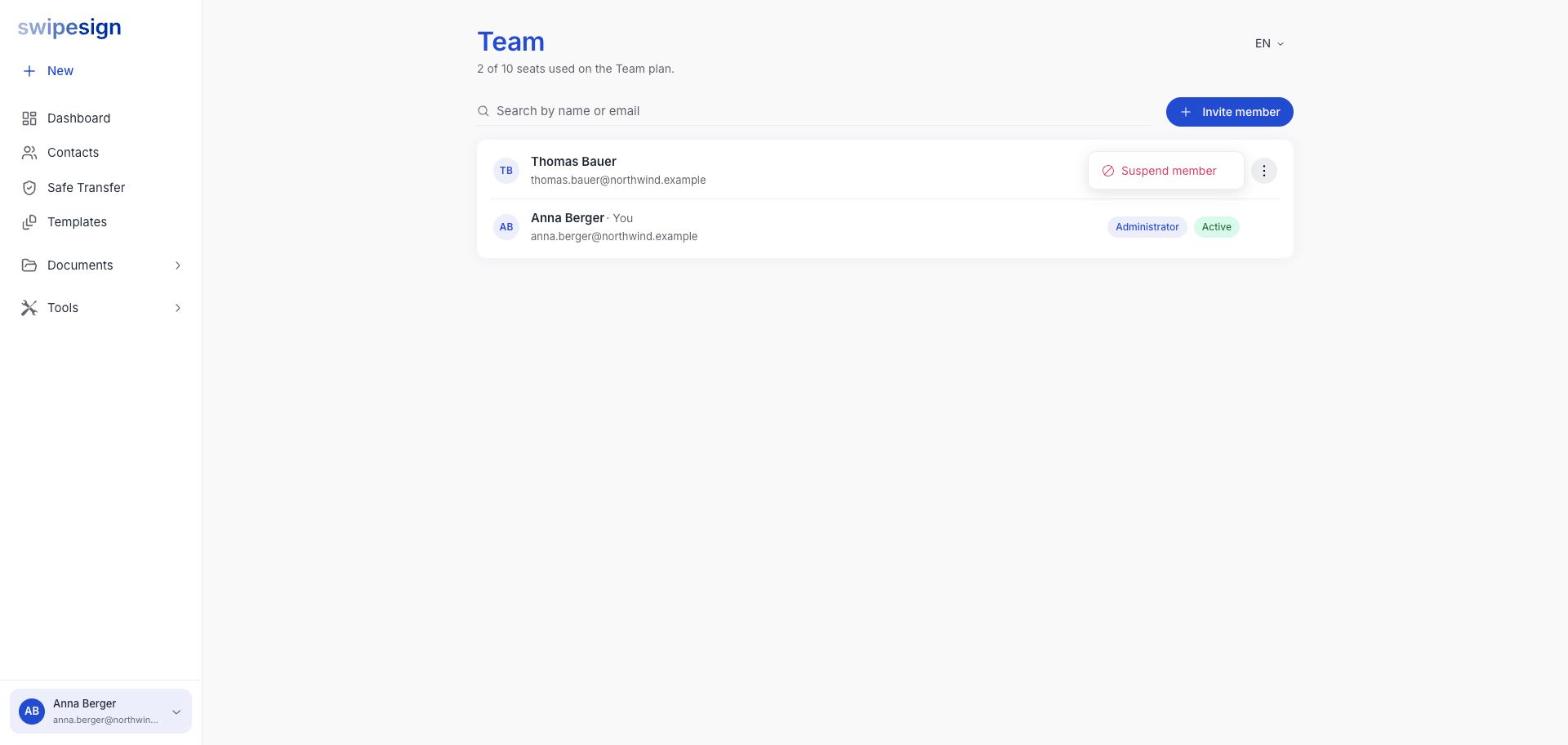
Suspending blocks their access to the workspace while keeping the account and everything attached to it. Use it when someone leaves, changes role, or you need to shut off access quickly.
Suspending cancels their signature workflows
This is not a pause. Every signature workflow that person still had out is cancelled, and the recipients' links stop working, including documents that were part-signed. Check what they have running before you suspend, and let anything that matters finish first. See Share a workflow with your team.
Someone who has not accepted yet
An Invited row offers different options.
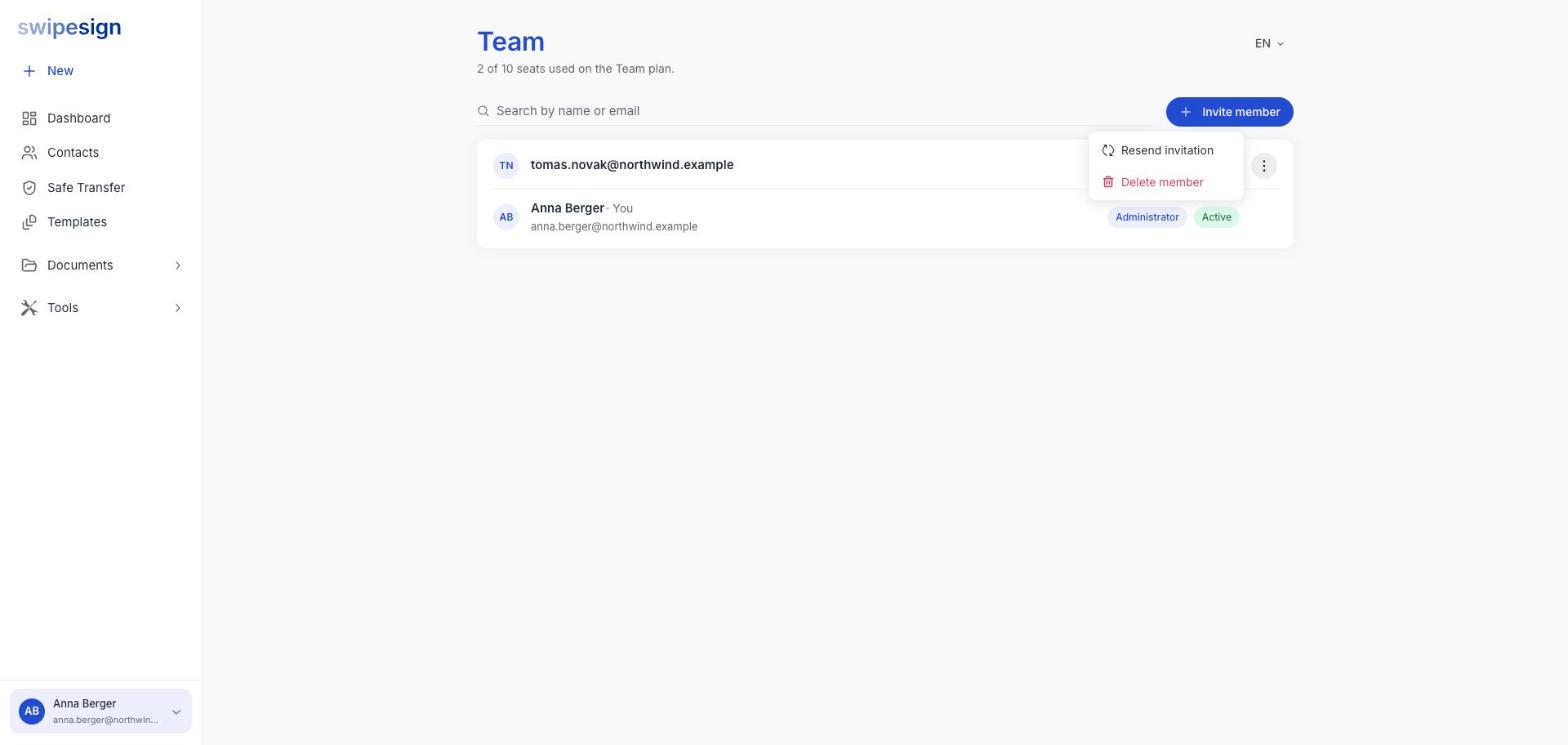
- Resend invitation: sends the same invitation again.
- Delete member: withdraws the invitation entirely. This is what you want if you typed the address wrong.
On the Free plan, this frees a user
A pending invitation counts as one of the two users on the Free plan. If you are at the limit and someone never accepted, deleting that invitation frees it immediately. See How many people can send.
Which one you need
| Situation | Do this |
|---|---|
| Wrong email address on an invitation | Delete member, then invite the correct address |
| They never accepted and the Free plan is full | Delete member |
| A colleague has left the company | Suspend member |
| You need to cut off access right now | Suspend member |
Do not hand an account to somebody else
Never repurpose a leaver's account for their replacement. The identity verification behind their signatures belongs to that person, and every document they signed points at them. Suspend the old account and invite the new person. See Why your email address cannot be changed.