
Not everything needs signing. Sometimes you just have to get a file to somebody, and email is the wrong tool: it forwards, it sits in inboxes, and it has no idea who actually opened the attachment.
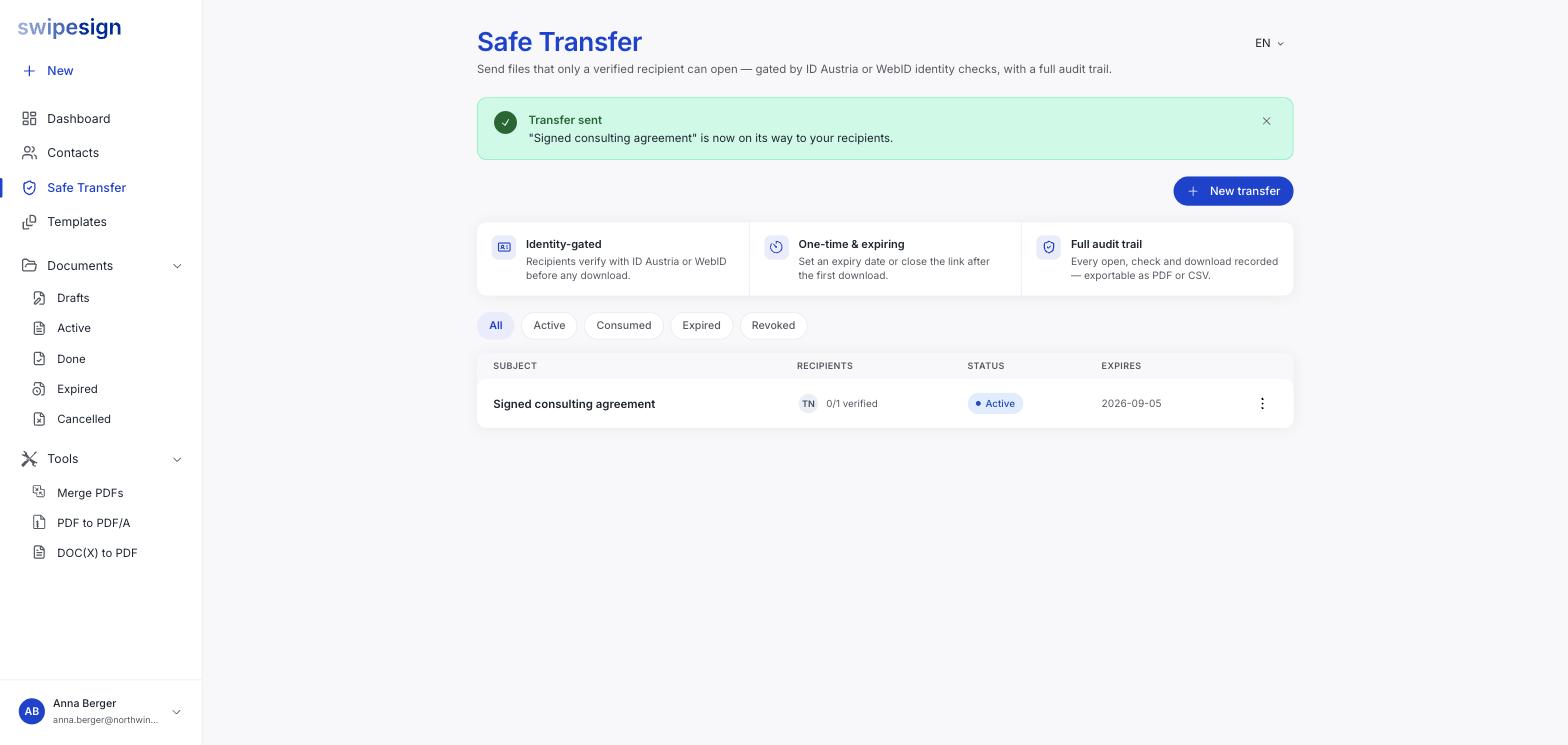
Safe Transfer sends files behind the same identity machinery as the signatures. The recipient has to prove who they are before anything downloads.
- File size
- 100 MB each
- Per transfer
- 500 MB total
- Link lifetime
- 7, 14 or 30 days, or never
- Cost to your recipient
- Nothing
How the recipient is checked
There is one gate, and it is the strong one. Before a recipient can download anything they verify who they are with ID Austria or WebID: the same identity check behind a Qualified signature.
Verifying earns them a personal access code. That code is theirs, issued to them at the end of the check: you never send it and never see it. They use it to reopen the transfer later without repeating the identity check.
What you do choose
| Setting | What it does |
|---|---|
| Expiry | 7, 14 or 30 days, or never. After it passes the link is closed and nothing can be downloaded. |
| One-time access | The transfer closes itself after the first successful download. |
What you get back
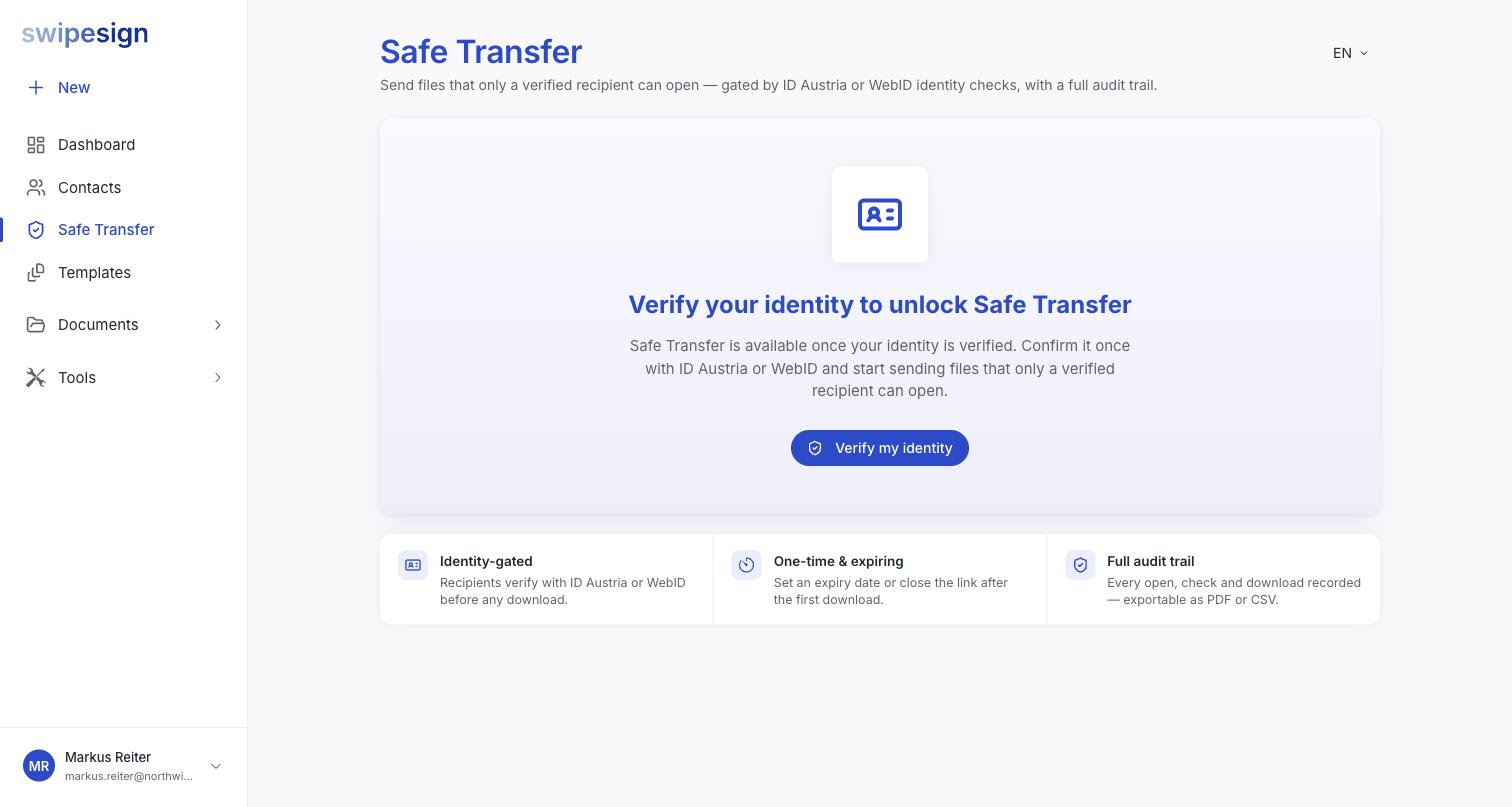
A record of who opened it and when: the thing plain email cannot give you. If a client later says they never received the file, the transfer says otherwise.
The PDF tools, while you are here
Under Tools there are three utilities that carry no separate subscription: merge several PDFs into one, convert a PDF to the archival PDF/A format, and turn Word documents into PDFs.
They are genuinely useful before sending something for signature: one merged PDF is one set of signature fields rather than several. And you can start a signature workflow straight from the result without downloading and re-uploading.
Is this the same as sending a document for signature?
No. Safe Transfer moves files and records who collected them. Nobody signs anything, and no signature allowance is used.
Can the recipient forward the link?
They can forward it, but it will not open for anyone else: the gate checks the person, not the link. That is the whole point.
How long do the files stay available?
As long as you set: 7, 14 or 30 days, or no expiry at all. Fourteen days is the default. Tell your recipient not to leave it sitting in their inbox.