
Under Tools → Merge PDFs. Upload the files you want joined, in the order you want them, and swipesign returns a single PDF.
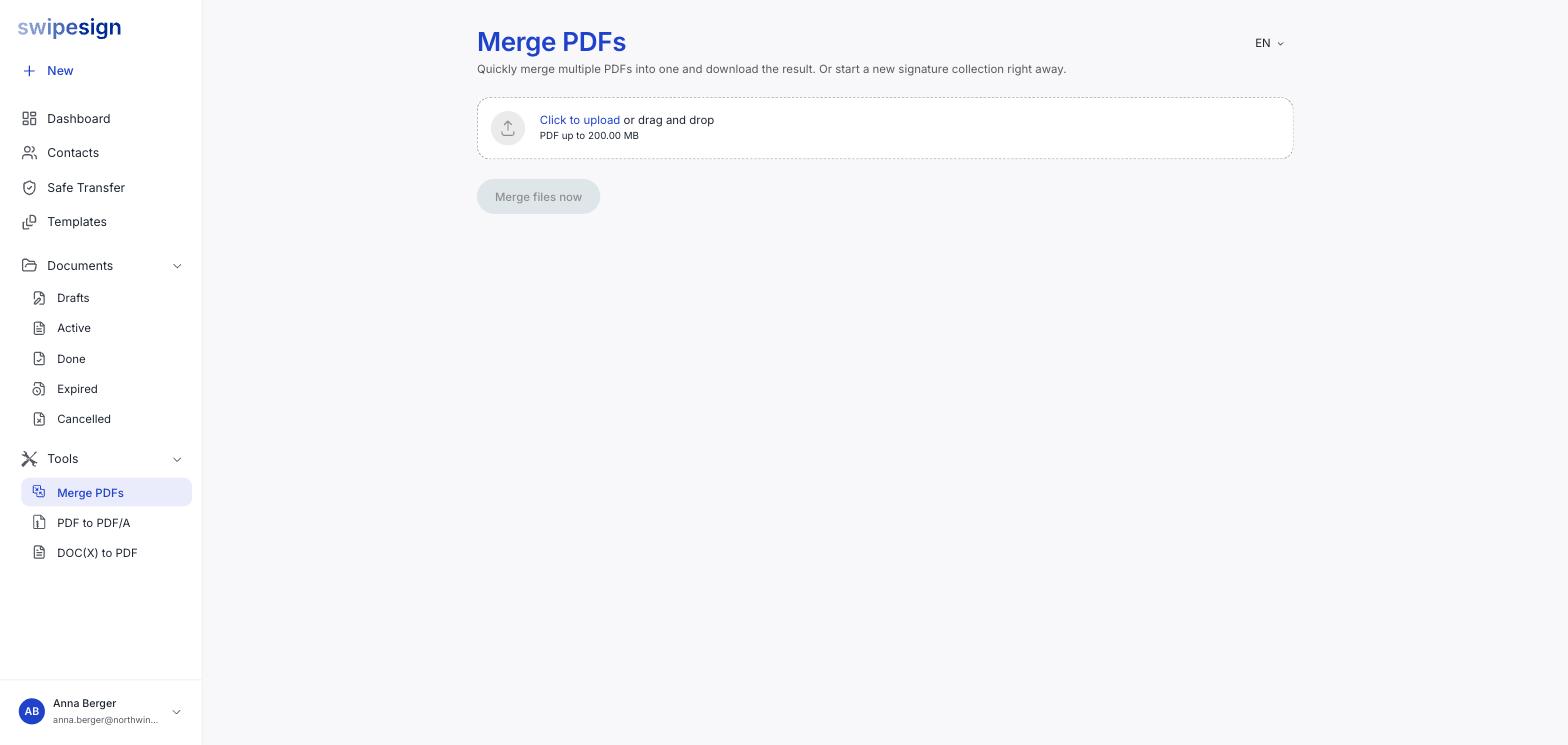
- 1Upload two or more PDFs. Up to 200 MB each.
- 2Check the order: the merged file follows the order they are listed in.
- 3Click Merge files now.
- 4Download the result, or start a signature workflow from it.
When it helps
A signature workflow can already hold several files, and your signers work through them in one session, so merging is not required just to send multiple documents.
It helps when the output matters: a contract plus its annexes that should live as one file afterwards, or a pack that will be archived as a single document. One merged PDF is also one set of signature fields to place rather than several.
Included on every plan
The tools carry no separate subscription: they are part of the product rather than an add-on. Merging has no daily cap, though the two conversion tools do.
Merge before you send, not after
Once a workflow is out it cannot be edited. Get the document into its final shape first.