
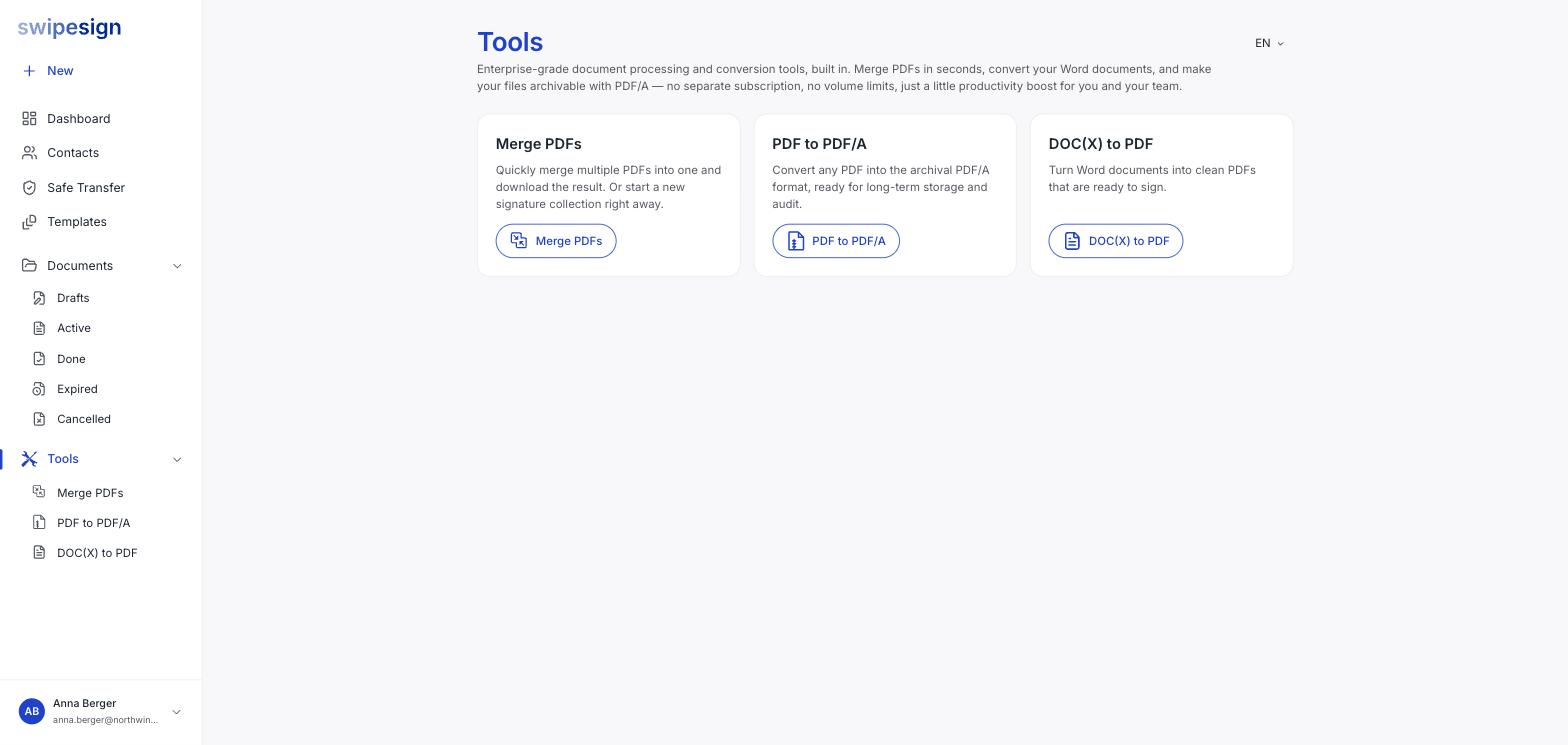
Every tool offers the same shortcut once it has finished: download the result, or send it for signature. Taking the second option opens the workflow builder with the file already attached.
It saves a download-and-re-upload round trip, and it means the file you send is exactly the one the tool produced.
The usual sequences
| You have | Do this |
|---|---|
| A contract in Word | DOC(X) to PDF, check it reads correctly, then send for signature |
| A contract plus annexes as separate PDFs | Merge PDFs, then send the combined file |
| A Word contract plus PDF annexes | Convert the Word file, merge everything, then send |
You land in the normal builder
From there it is an ordinary workflow: add signers, place fields, choose the signature standard, set expiry and send. See Start a signature workflow.
Read the file before you hand it on
The shortcut makes it easy to send something you haven't looked at. Converted layouts shift and merges can come out in the wrong order, and once a workflow is sent it cannot be edited, only cancelled.