
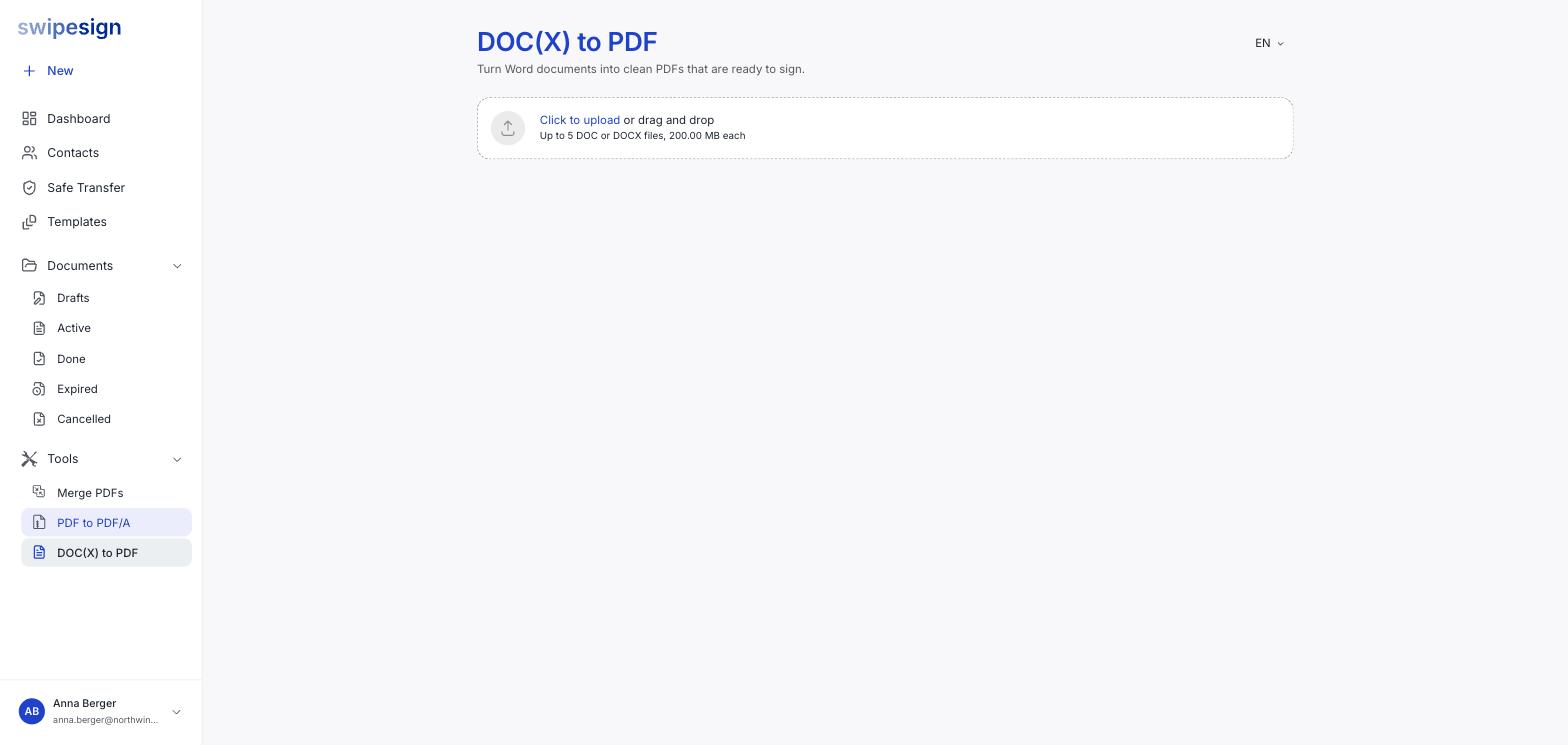
Under Tools → DOC(X) to PDF. Upload up to five DOC or DOCX files at once, 200 MB each.
Five at a time, twenty a day
Up to five files per batch, and 20 files a day per user. Uploading a document to a signature workflow converts it too and does not count against that.
Do you need this?
Often not. A signature workflow accepts DOC and DOCX directly and converts them for you: see Supported files and sizes.
The tool is useful when you want the PDF itself: to check how the conversion turned out before committing, to convert a batch in one go, or to produce a PDF for something other than signing.
Check the result
Conversion is good, not perfect
Unusual fonts, tight tables and complex headers can shift. Open the converted PDF and read it before you send it to anyone: particularly if the layout carries meaning, as it does in a rate card or a schedule of works.
If something comes out wrong, export to PDF from Word yourself and upload that instead. You will get whatever your own copy of Word produces, which is usually what you were looking at when you wrote it.
Straight into a signature workflow
You do not have to download and re-upload. See Start a signature workflow from a tool.