
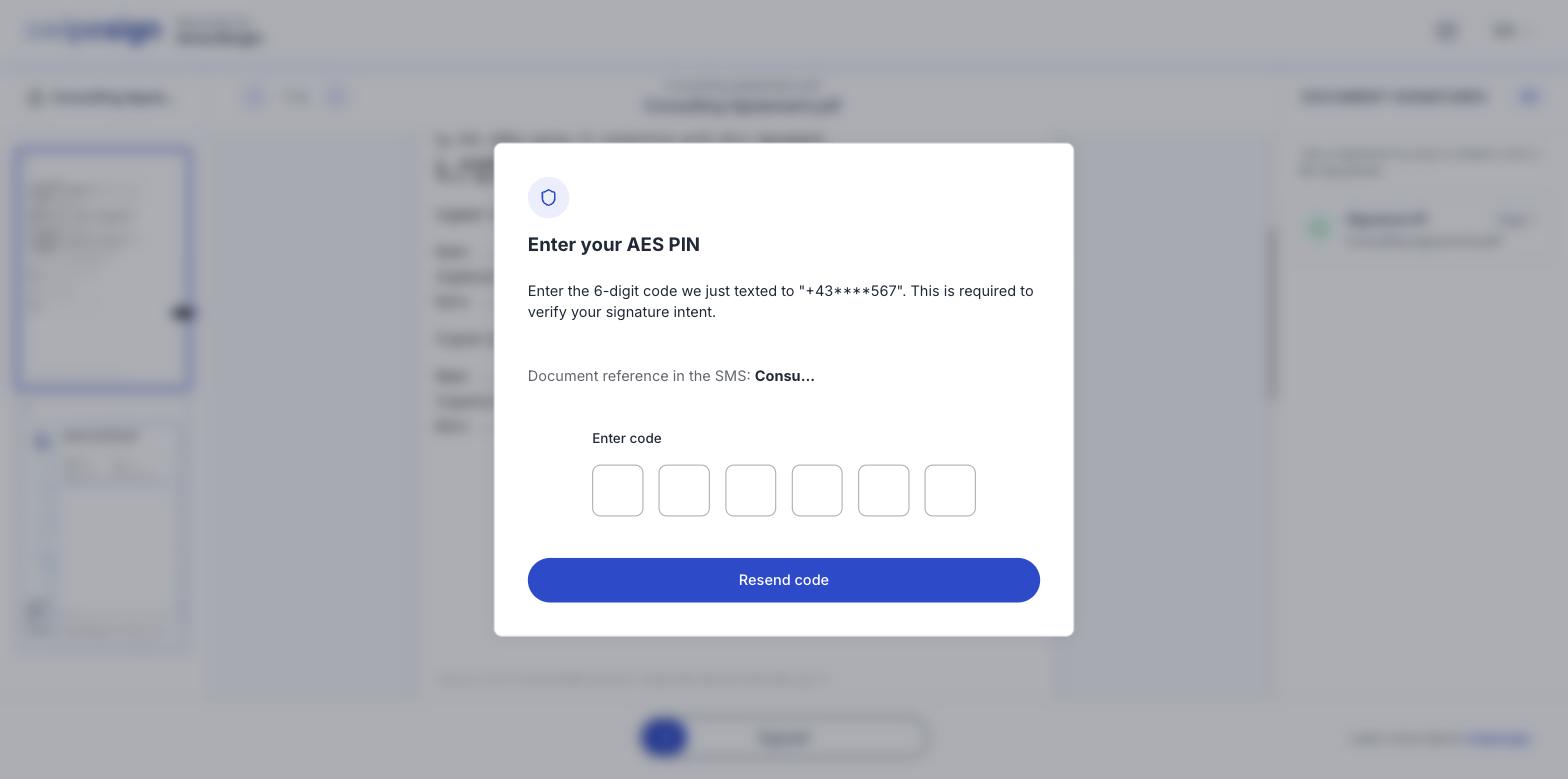
On an Advanced signature you are asked for a 6-digit code texted to your phone. It is how swipesign confirms it is you, and that you meant to sign this particular document.
First: check the number
The dialog shows the number the code went to, partly masked: something like +43567. Check the visible digits against your own phone.
You didn't enter that number: the sender did, when they built the document. If it isn't yours, no amount of waiting will help: go back to whoever sent it and ask them to correct it. They can update your details and resend.
If the number is right
- Give it a minute. Delivery usually takes seconds but can lag, especially when roaming or on a busy network.
- Check your blocked and spam messages. Codes from short numbers sometimes land there.
- Use Resend code. The button sits right under the entry boxes.
- Turn the phone off and on if it has been on a weak signal: queued texts often arrive together afterwards.
If it still never comes
Tell the sender rather than retrying indefinitely. They can check the number on their side, resend the whole invitation, or switch the document to a Qualified signature, which identifies you through a national eID or an online check instead of a text.