
These all come up after you swipe, while swipesign is preparing the signature. They look like errors, and none of them is: they are the ways a document can be busy.
"You have already signed the document"
Your signature is on the document and there is nothing left for you to do. Back to the welcome screen takes you to a page that offers to show or download it.
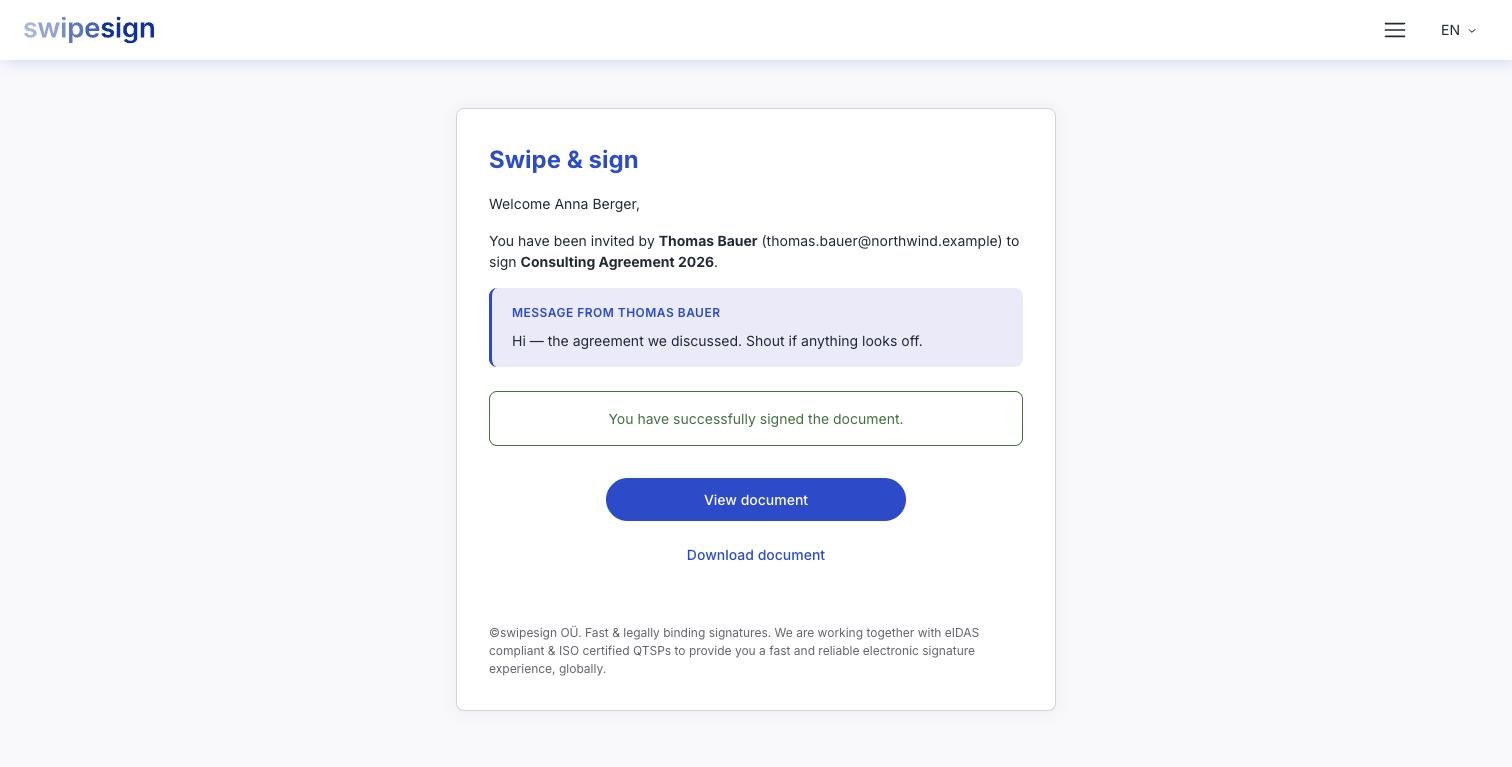
The usual cause is a duplicate: an old email opened twice, or a second tab left over from earlier. A signature cannot be applied twice, so the second attempt is simply refused.
"This signature workflow was initiated already in another window"
Not somebody else: you, somewhere else. A signature you started is still open in another tab, on your phone, or in a provider window you left behind.
You get two choices:
- Proceed here: abandons the other attempt and continues in this window. Use it when you know the other one is stale.
- Back to the welcome screen: leaves the other attempt alone. Use it when your phone is mid-signature and you would rather finish there.
"Someone currently signs the document"
This one really is another person. Signatures are applied to the file one at a time: each is built on top of the last, so two cannot be written at once.
The screen names who is signing and counts down, checking every few seconds by itself. When they finish, a Retry signature button appears and you carry straight on. You do not have to reload or go back to your email.
This is normal on a document sent to several people at once, and it usually clears in under a minute. If you cannot wait, close the tab: your link still works later.
"The signature status has changed in the meantime"
The workflow itself is no longer open for signing while you had it on screen: most often because it expired, the sender cancelled it, or a reviewer rejected it.
Nothing you do in the browser will bring it back. Ask the sender, who can see the current state and start a new one if it was a mistake. See also Your signing link has expired.