
Once your signature goes through you land on a confirmation screen, and swipesign emails you the details.
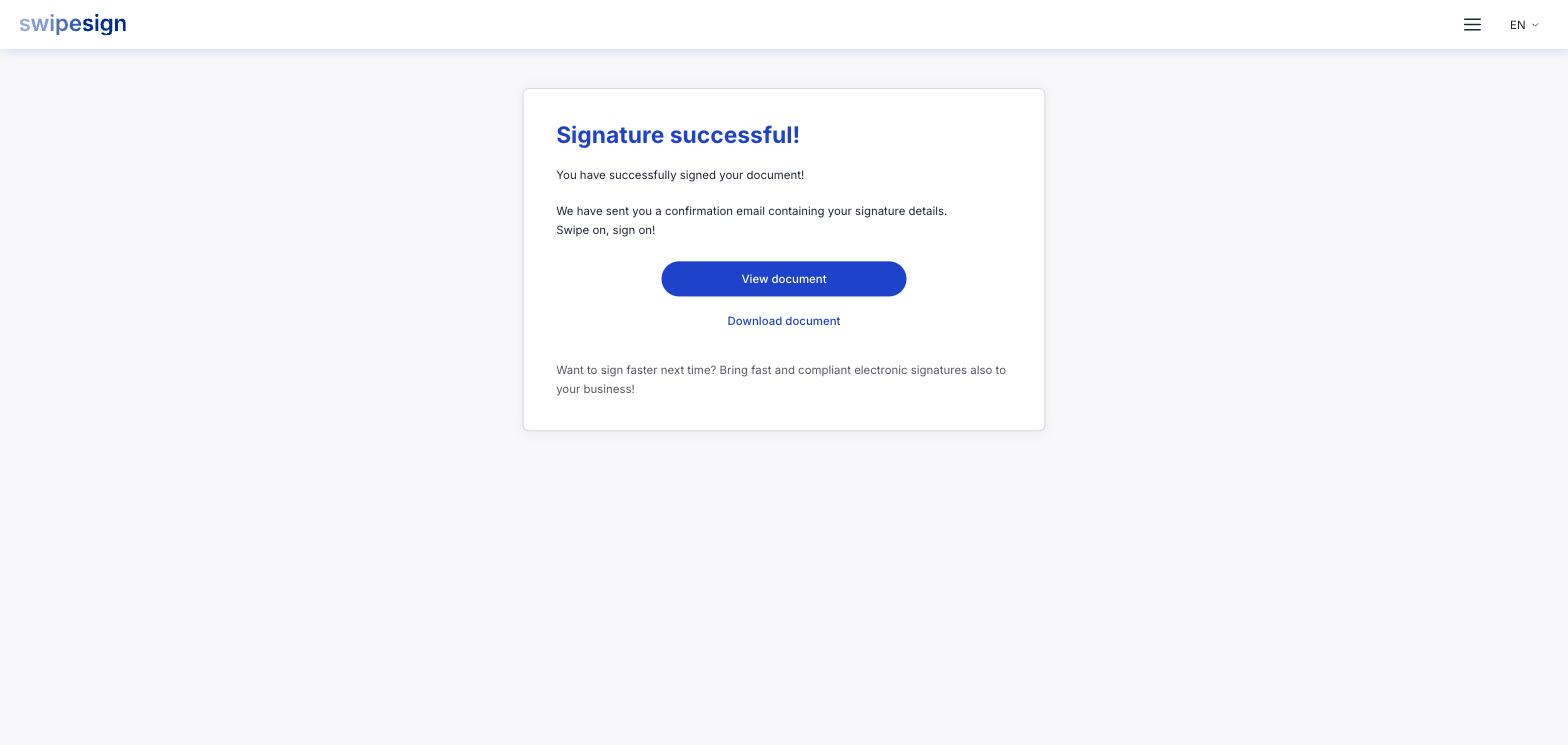
- View document opens the signed file in your browser.
- Download document saves it.
You also get a confirmation email with your signature details, so you can come back to it later without hunting for this tab.
What's in the file
The PDF you started with, plus every signature applied to it, plus an extra page at the end: a Signature Certificate Page that swipesign adds automatically. Each page also carries a swipesign ID in the footer, so a single page can still be traced back to the whole document.
That certificate page is what makes the document stand on its own. Anyone you hand it to can check the signature without an account and without going through swipesign.
If not everyone has signed yet
You can download the document at any point, but it is only complete once every signer has finished. If you were first of three, what you download now is missing the other two: wait for the completion email if you need the finished version.
If you lose it
Within the 14 days, your original signing link still works: open it again and download. After that, ask the sender: they had the same window, so if they saved a copy they can send it to you. Nobody can retrieve it from swipesign once the window closes.