
You don't choose this: whoever sent the document did. But it decides how much you'll be asked to do, so it helps to know which one you're on. If you are shown a country and provider list, it's Qualified. If there is no such step, it's Advanced.
Advanced (AES)
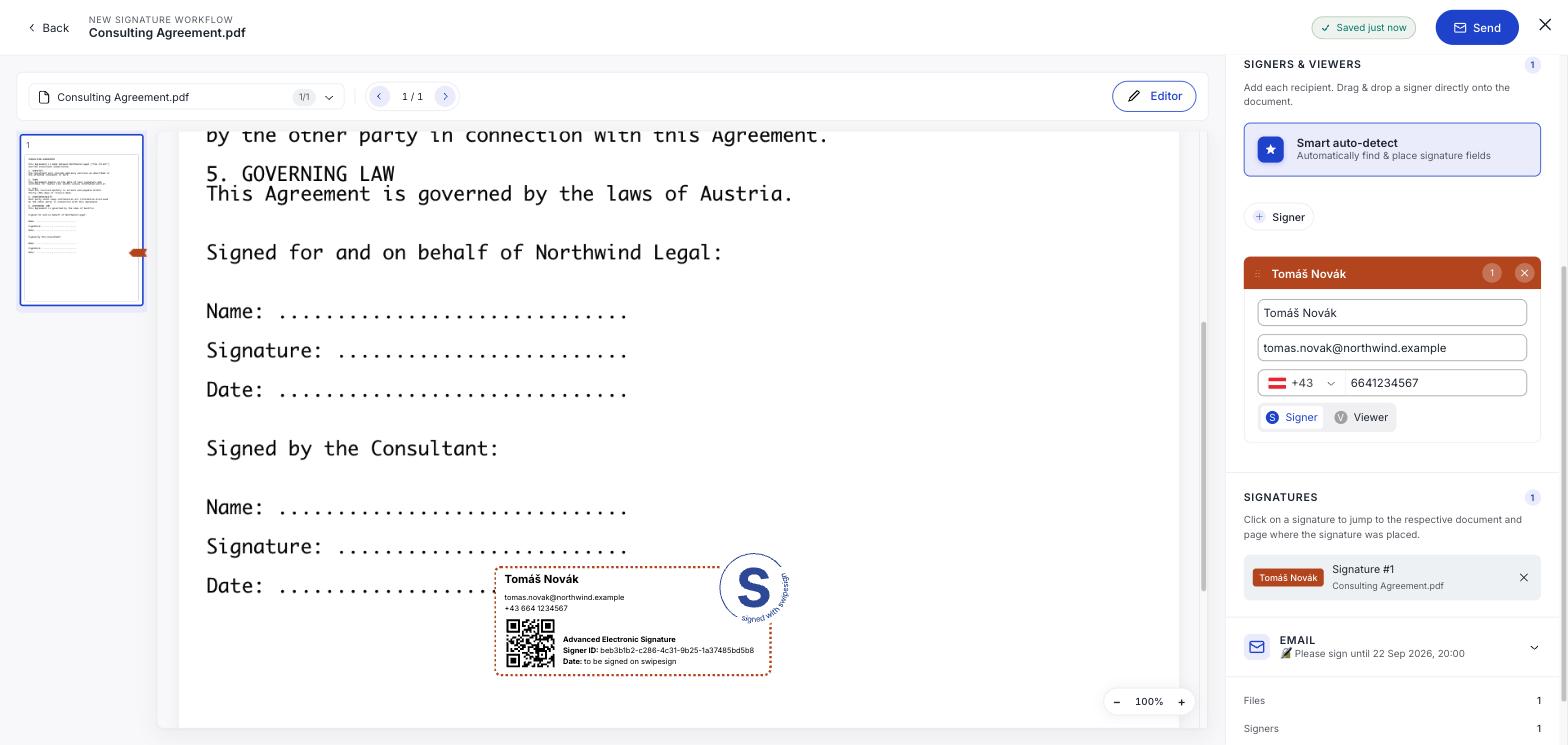
The quick one. You open the link and sign: there is no ID document to photograph and no app to install.
You are identified indirectly: by the email address the document was sent to, and by an SMS code if the sender supplied your phone number. It seals the document, so any later change to the text is detectable, and it is legally valid across the EU.
What it does not do is prove you are you to a high standard. That is the trade: speed in exchange for a lighter identity check.
Qualified (QES)
The thorough one. You authenticate through a qualified trust service provider, a national eID like ID Austria, Smart-ID, itsme, MitID or BankID, or a one-off online check against your passport or ID card if you have none of those.
A certificate is issued in your name, and the result carries the same legal weight as a handwritten signature across the EU. If anyone ever disputes it, they have to prove it was not you rather than the other way round.
See Signing with an eID you already have and Verifying your identity online.
Side by side
| Advanced (AES) | Qualified (QES) | |
|---|---|---|
| Legally valid in the EU | Yes | Yes |
| Document sealed against changes | Yes | Yes |
| How you are identified | Your email address, plus an SMS code if provided | A qualified provider checks your identity |
| ID document needed | No | Yes, unless you have a national eID |
| Equivalent to a handwritten signature | No | Yes |
| How long it takes you | Under a minute | A few minutes the first time, seconds after |
What it costs you
Nothing, at either level. The sender pays. You never need an account, a subscription or a card, and if a page ever asks you to pay to sign a document, it is not swipesign.