
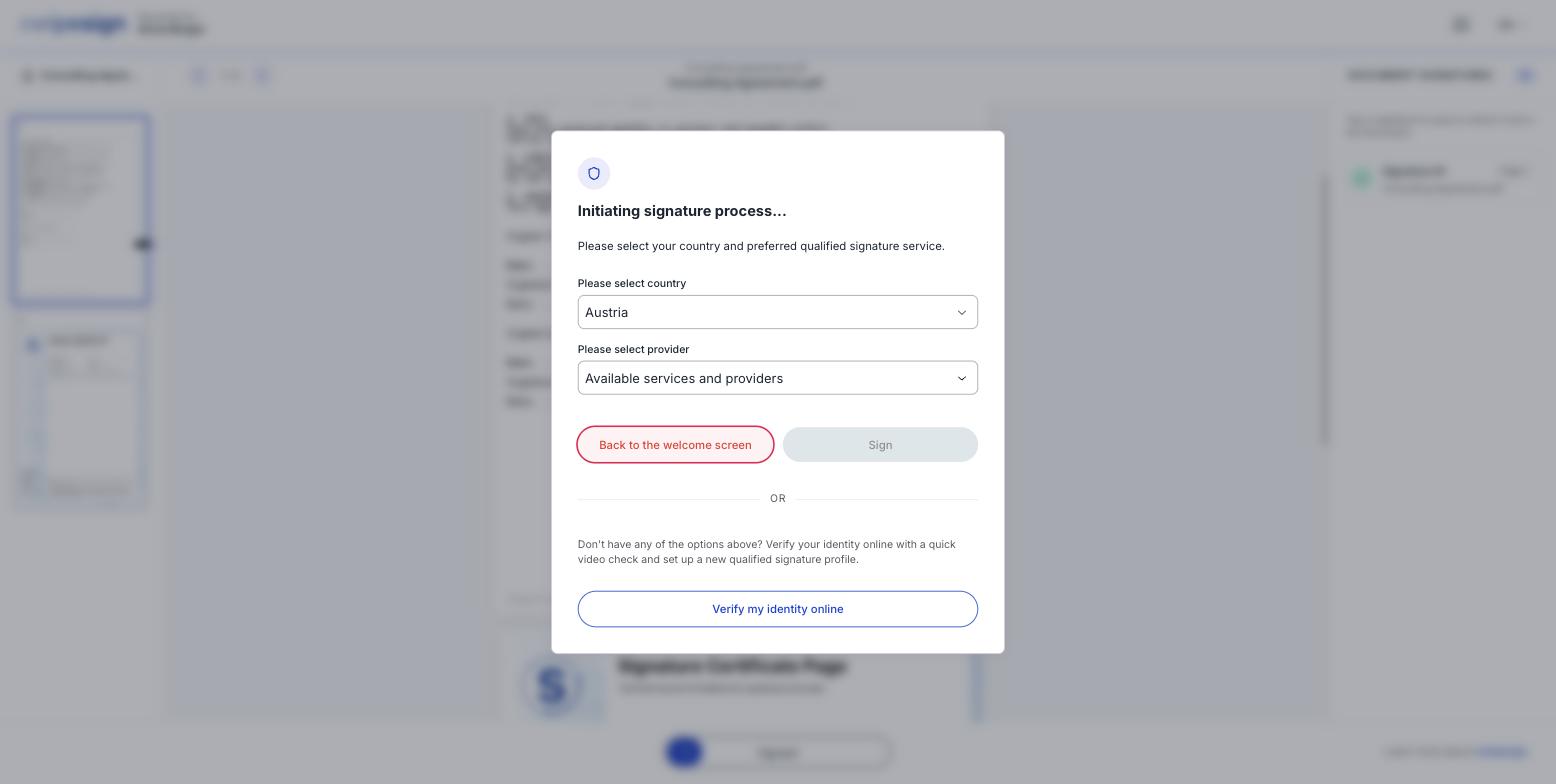
After you swipe to sign, swipesign asks how you want to prove who you are. If you already hold a national electronic ID, this takes seconds.
What to do
- 1Select your country. The list is long: well past the EU, covering most of Europe, Asia, the Americas and the Gulf. Pick the country that issued your eID, not necessarily where you live.
- 2Select your provider. The list changes to show only the services available for that country.
- 3Click Sign. You are handed to the provider, who confirms your identity their way: usually an app on your phone.
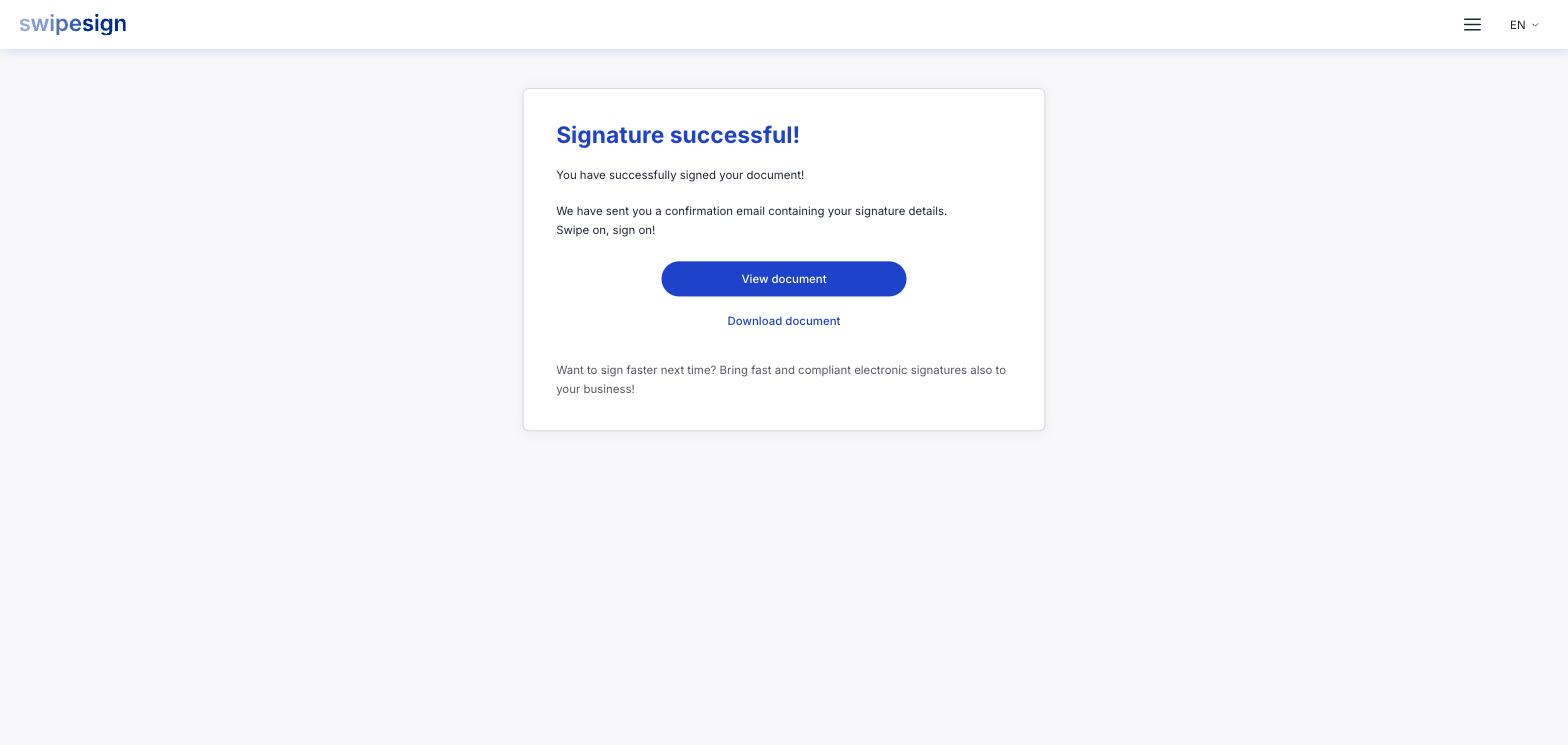
- 4You come back to swipesign and the signature is applied.
What you might see in the provider list
It depends entirely on your country. Choosing Austria, for example, offers Evrotrust, D-Trust sign-me, Trans Sped, itsme, InfoCert and ID Austria.
Elsewhere you will find the services you would expect locally: Smart-ID and Mobile-ID around the Baltics, MitID in Denmark, BankID in Sweden and Norway, itsme in Belgium, SPID in Italy, eParaksts in Latvia, Swisscom in Switzerland. See Our trust service providers.
If your country has nothing you recognise
That's normal, and it isn't a dead end. Use Verify my identity online at the bottom of the dialog, a short video or document check that creates a qualified signature profile for you on the spot. See Verifying your identity online with WebID.
Changing your mind
Back to the welcome screen returns you to the start without signing. Nothing is applied and nothing is recorded against you as a signature: the sender only sees that you opened the document.