
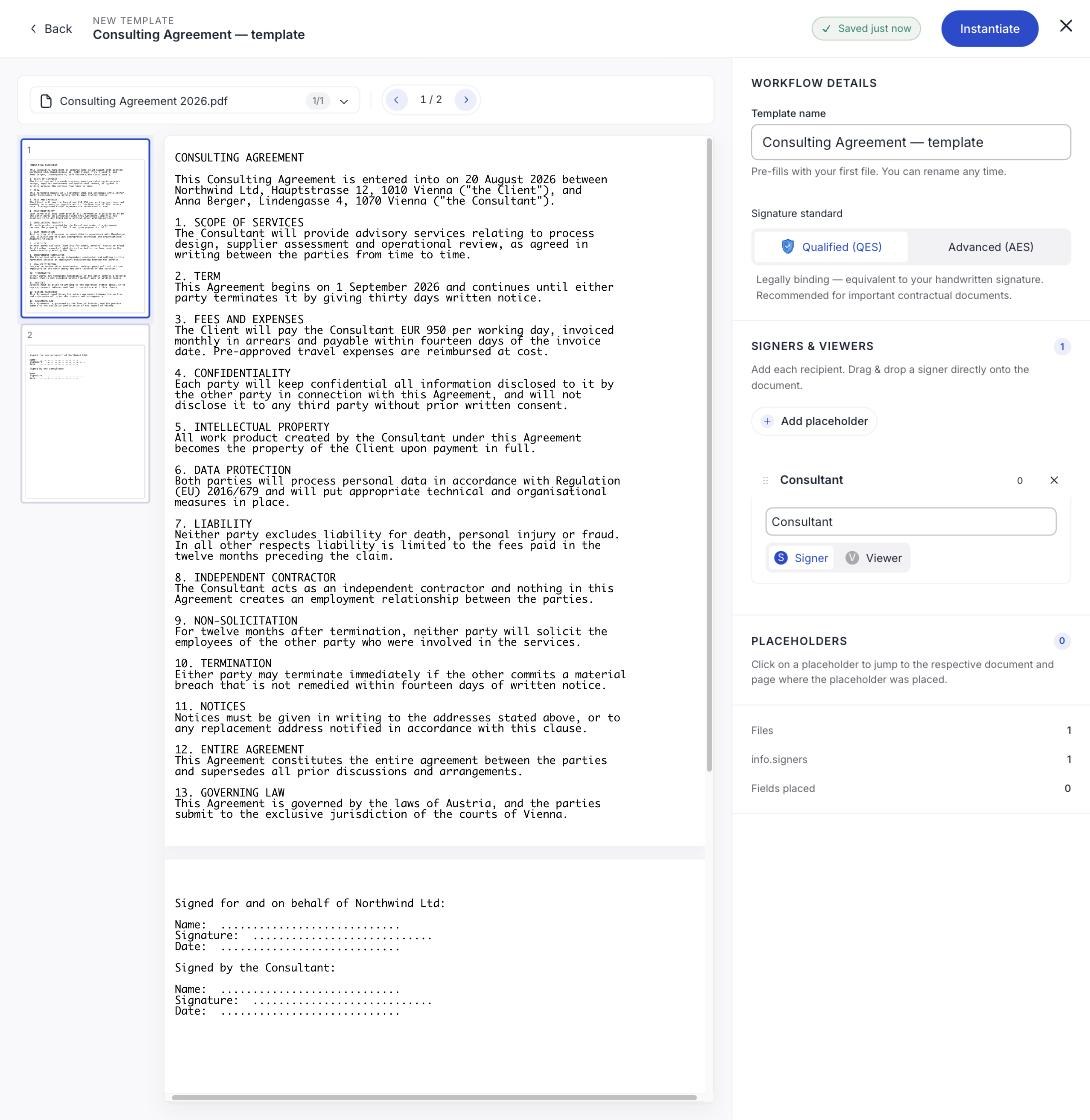
Open the template and click Instantiate. That creates an ordinary signature workflow from it: the document, the fields and the signature standard already in place.
You can also start from From template on the dashboard.
What you fill in
Each role becomes a real recipient waiting for details. Give each one a name, an email address, and a phone number if the workflow is an Advanced signature.
Everything else is already done. The fields sit where you put them, assigned to the right roles.
Phone numbers do not come from the template
A placeholder has no contact details, so an AES workflow made from a template starts with nobody having a phone number, and the Weak AES warning will appear until you add them. See Choose AES or QES.
It is a normal workflow from here
Once instantiated there is nothing special about it. Set the expiry, adjust the settings, add a signer the template did not anticipate, or move a field. Changes affect this document only: the template stays as it was.
Then check and send as usual. See Check the summary and send.
Check the fields anyway
A template saves you the setup, not the final check. Glance at Fields placed in the summary before sending, especially if you added a recipient the template did not have a role for, because they will have nowhere to sign.