
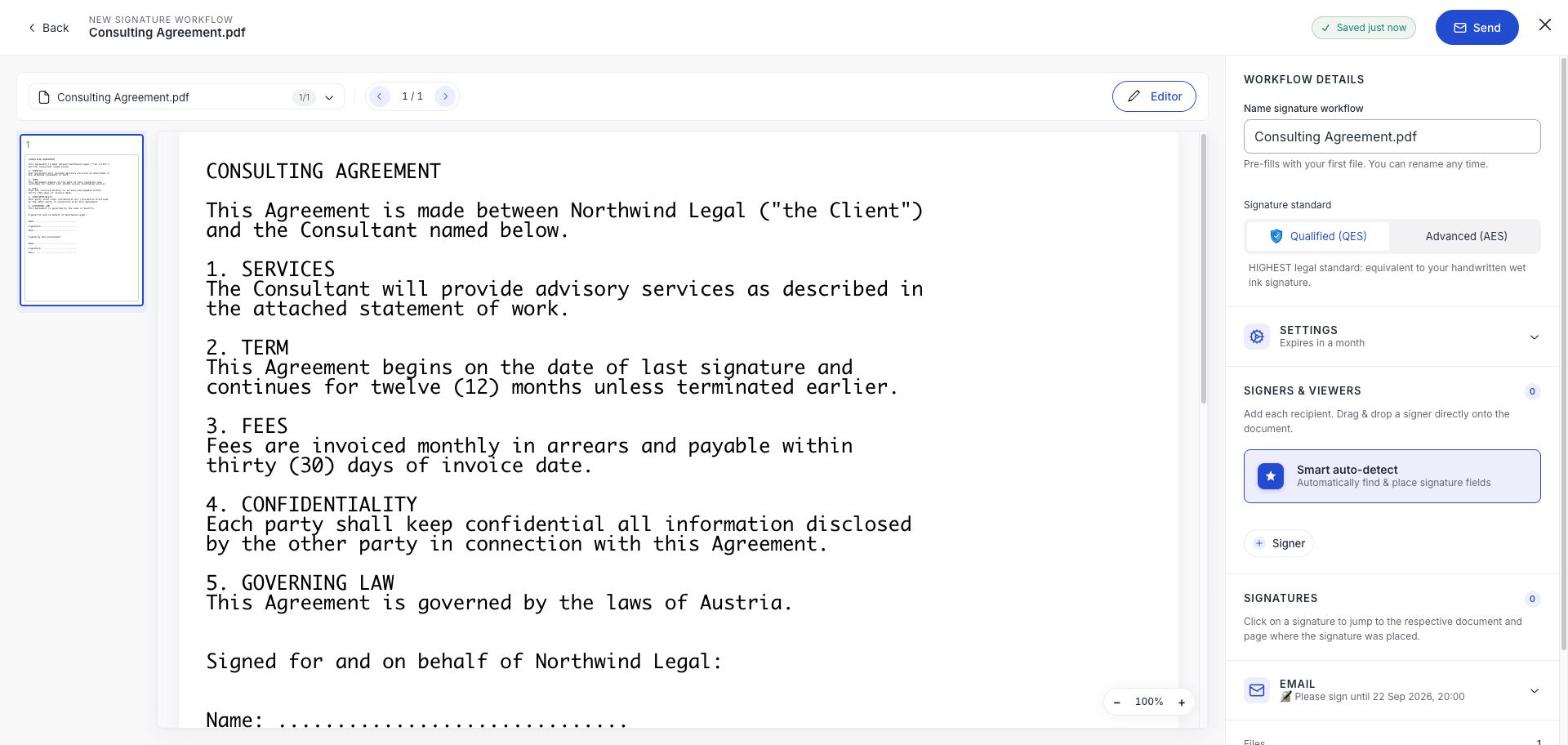
Signature standard sits near the top of the right-hand panel in the builder. It is a per-document choice, and the builder tells you what each one means as you switch between them.
What the two actually do
| Advanced (AES) | Qualified (QES) | |
|---|---|---|
| Described in-app as | Medium legal standard: limited, indirect signer identification via phone number or email domain | Highest legal standard: equivalent to a handwritten wet ink signature |
| How your signer is identified | By the email address you sent it to, plus SMS if you gave a phone number | By a qualified trust service provider, a national eID or an ID document check |
| What your signer has to do | Open the link and sign | Authenticate with an eID, or verify once online |
| Counts against | Your AES allowance | Your QES allowance |
For the legal detail behind both, see AES and QES explained.
The Weak AES warning
Choose AES and add a signer without a phone number, and the builder warns you: Weak AES! There are signers without a phone number.
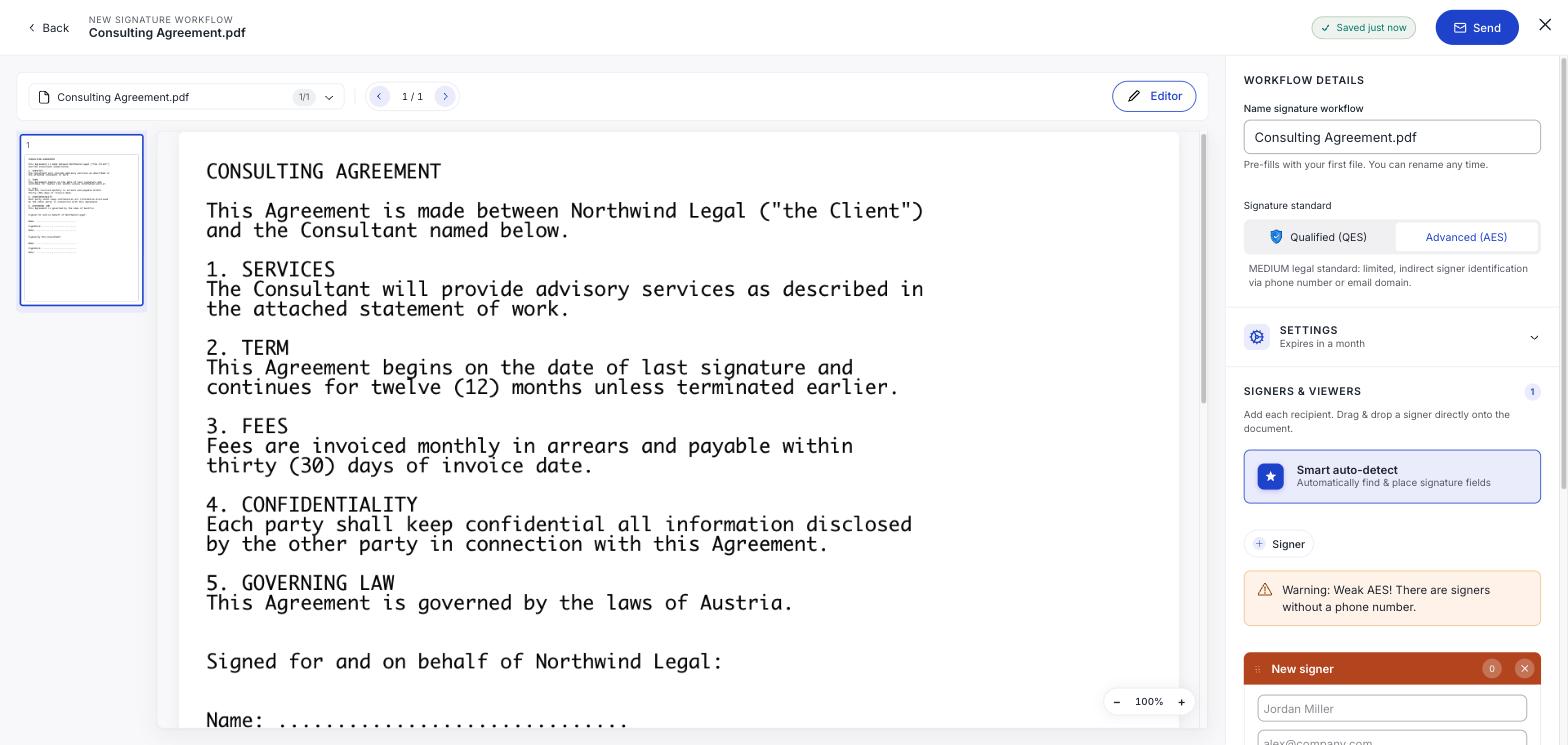
It is telling you something real. With no phone number, the only thing tying the signature to a person is access to an inbox. Add one and identification also rests on a device they physically hold: the warning disappears as soon as you do.
Which to pick
Use AES for routine documents with people you already deal with. Use QES for a first-time counterparty, anything high-value, anything a regulator will see, and anywhere national law requires the written form.
The honest test: if this signature were disputed, would "it came from their email address" be enough? If not, use QES.