
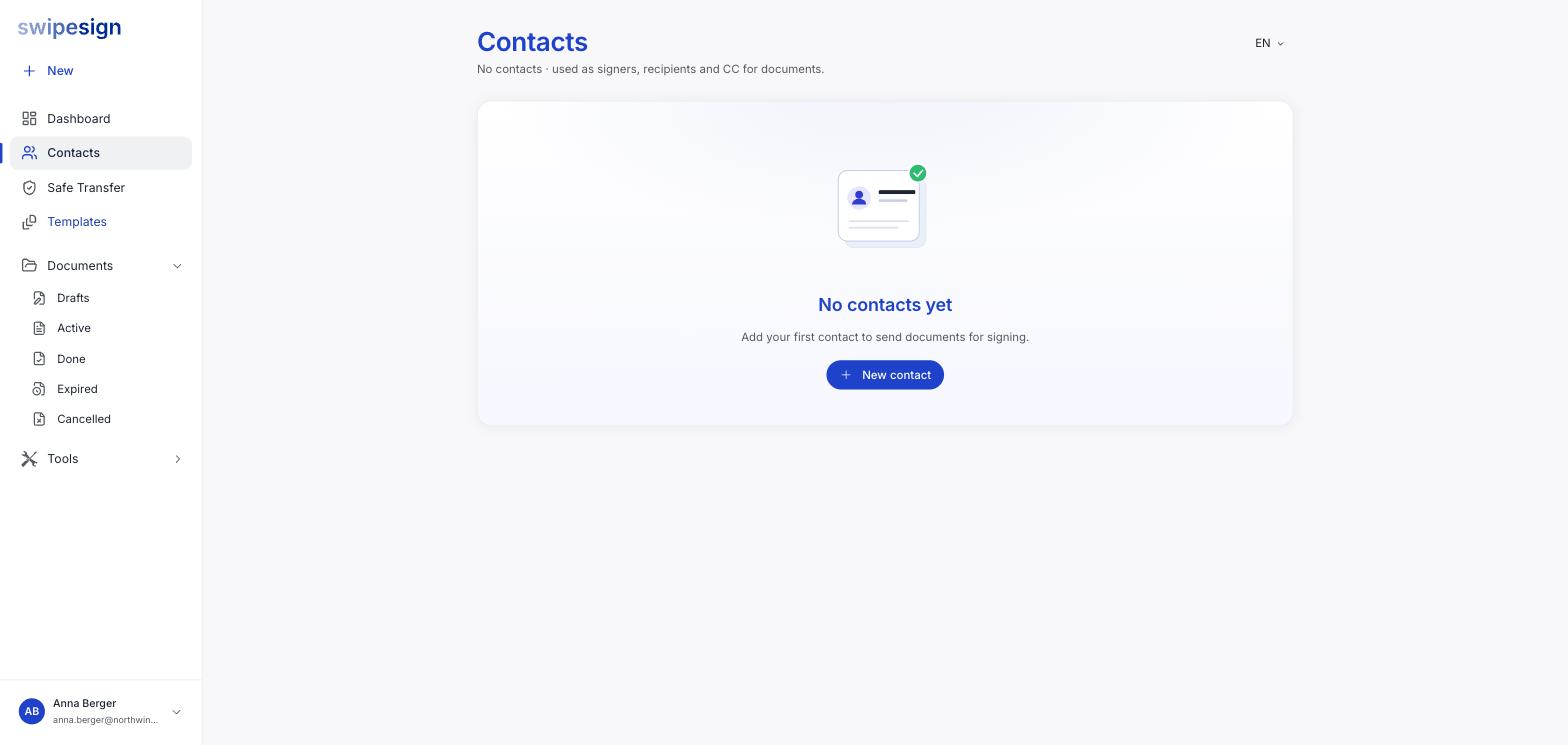
Contacts in the sidebar holds the people you send documents to. The page describes them plainly: used as signers, recipients and CC for documents.
Adding one
Click New contact and fill in their details. A name and email are the essentials; add the phone number too.
The phone number is the one people skip
It is what an Advanced signature uses to identify the signer, and what a PIN-protected document needs to reach them. A contact saved without one means every AES workflow you build from it starts with a Weak AES warning. Capture it once here and the problem goes away permanently.
Why bother
- No retyping. Search by name, email or phone when adding a signer and pick them from the list.
- No typos. A mistyped address on a sent workflow cannot be corrected: you have to cancel and rebuild.
- Consistent details. The same person gets the same name and number on every document, which keeps your audit trails coherent.
Who is worth saving
Anyone you will send to more than once: regular clients, contractors, your accountant, colleagues who sign internally. A one-off counterparty is not worth the entry; type them straight into the workflow instead.
Contacts are not team members
A contact is someone you send documents to. They have no account and no access to swipesign. Colleagues who need to send their own documents are team members instead, a different thing entirely.