
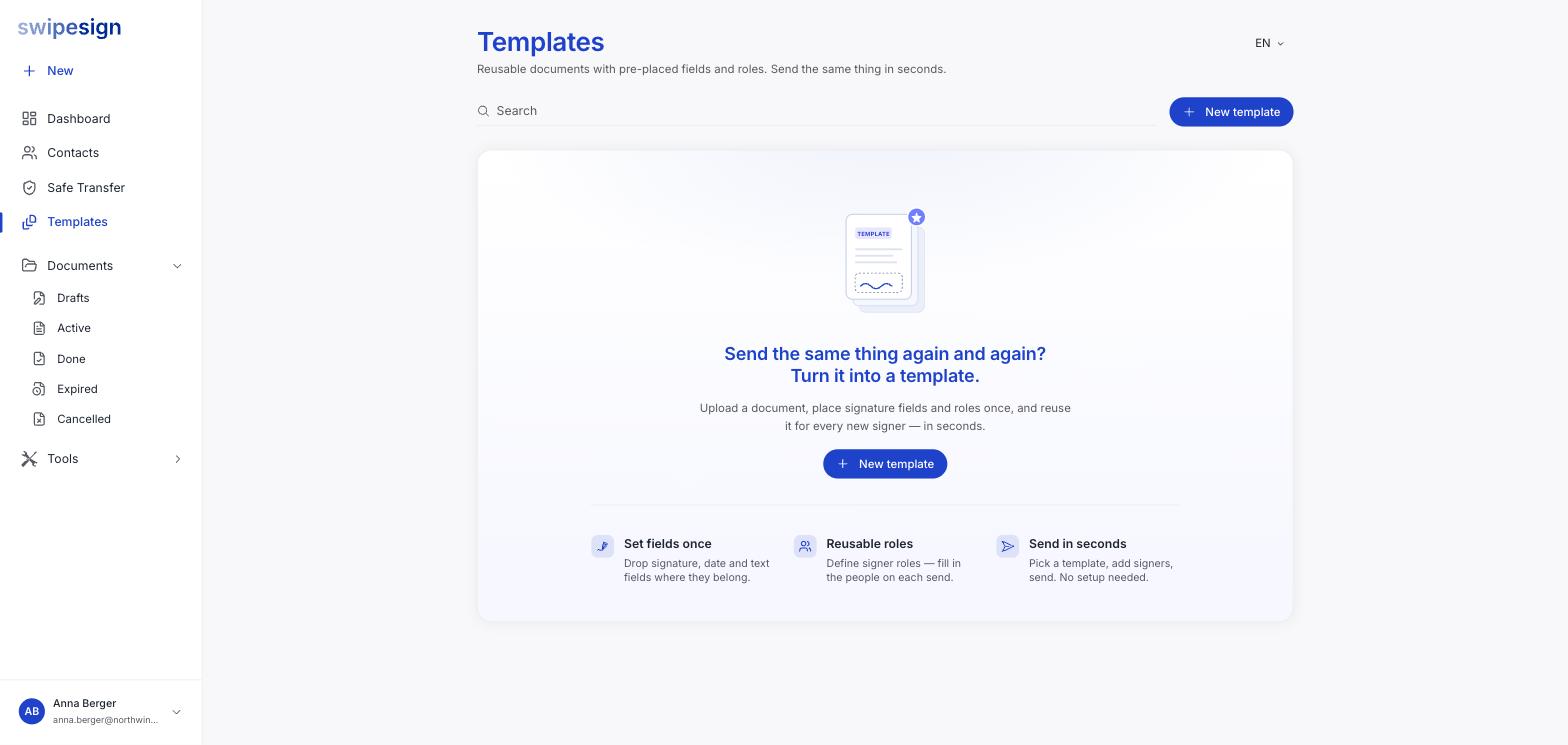
A template is a document with its fields and its signer roles already set up. You keep the layout; you fill in the people each time you send.
Roles, not people
This is the part worth understanding. A placeholder in a template has a name only: no email, no phone number. You call it Consultant or Tenant or Managing Director, and the actual person is supplied when you use the template.
So one template serves every consultant you ever engage. The document, the field positions and the signature standard stay put; only the names and addresses change.
When it earns its keep
- You send the same agreement to different people: contractor terms, NDAs, tenancy agreements, onboarding paperwork.
- Placing the fields is fiddly and you would rather do it once properly.
- Colleagues send the same document and you want it laid out consistently.
- You send it often enough that the setup time actually adds up.
For a one-off, skip it. Building a template you use once costs more than just sending the document.
What a template holds
| Kept in the template | Supplied each time you send |
|---|---|
| The document itself | Who each role actually is: name, email, phone |
| Field positions and which role they belong to | The expiry date |
| The signature standard: AES or QES | Any per-document settings |
| The role names |
Templates are not sent
The button on a template says Instantiate, not Send. A template is never signed itself: instantiating creates a normal signature workflow from it, which you then complete and send. See Start a workflow from a template.