
Getting the document
Open Documents → Done. Each completed workflow has Download and Audit trail on its row.
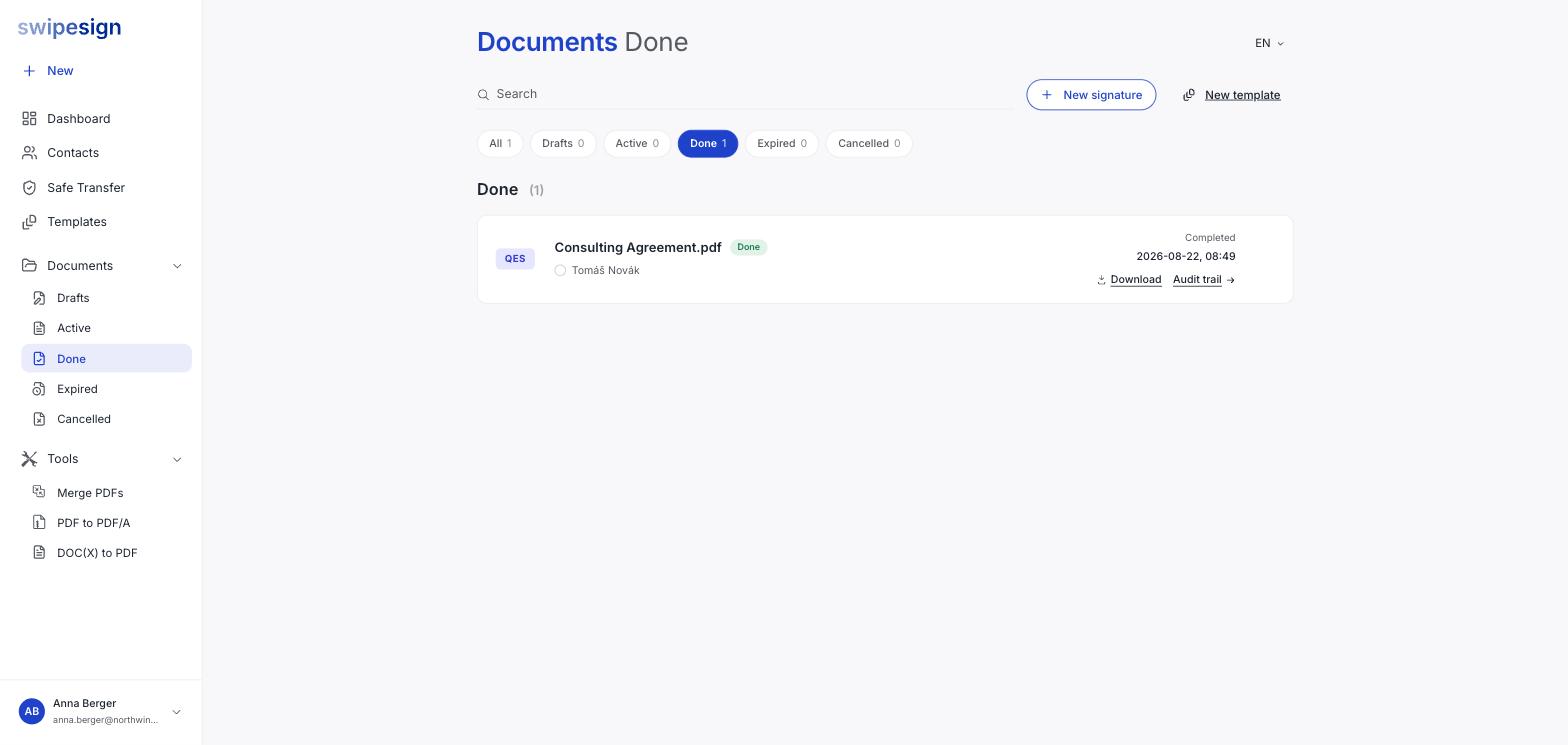
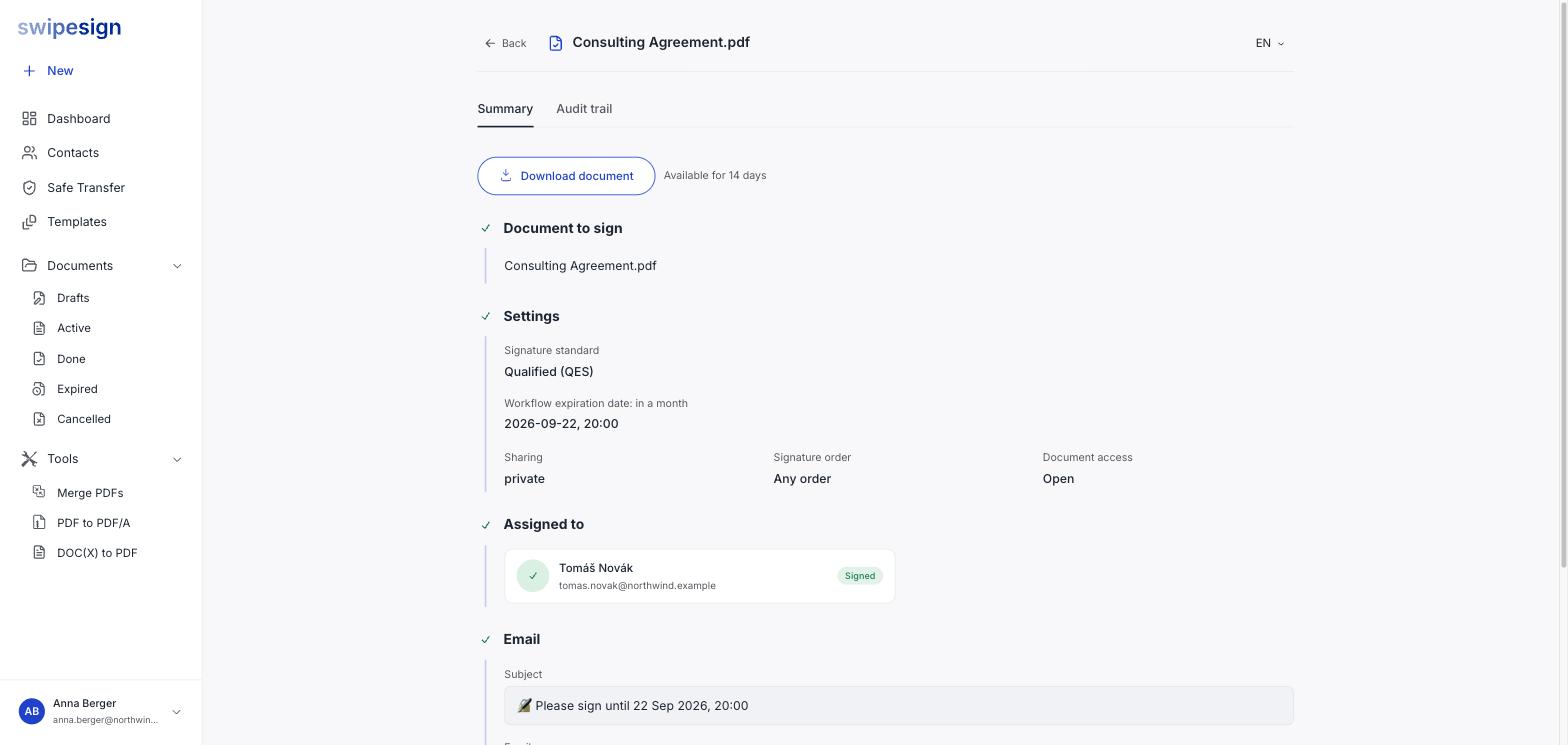
Clicking the workflow itself opens the detail page, where Download document sits at the top with the remaining availability next to it.
What you get
- The signed PDF, with every signature applied.
- An appended Signature Certificate Page, added automatically as the final page.
- A workflow ID stamped on each page, so a loose page can still be traced back.
The audit trail downloads separately: it is the record of who did what and when. See What is in the audit trail.
What the Summary tab tells you
Worth a look before you file the document away. It shows the signature standard used, the expiry that applied, whether the workflow was shared or private, whether a signing order was enforced, whether access was open or PIN-protected, and each recipient with their final status.
That is the same information a colleague would need in a year to understand how the document was executed, and it disappears with the workflow.
Your signers are on the same clock
Anyone who signed can download their copy from their own signing link during the same window, and gets a confirmation email when they finish. After 14 days it is gone for them too: worth mentioning if you are sending something a counterparty will want on file.