
An unexpected email asking you to click a link and then prove your identity is exactly what a scam looks like. Being suspicious is the right instinct: here is how to settle it.
Check with the sender, not the email
The single reliable test: contact the person who supposedly sent it, using details you already had. Their phone number from your records, an email thread you started, the number on their website.
Do not reply to the message or use a number inside it. If it is fake, those lead back to whoever sent it.
A genuine invitation names both the sender and the document, so you should be able to say "did you just send me the consulting agreement to sign?" and get a straight answer.
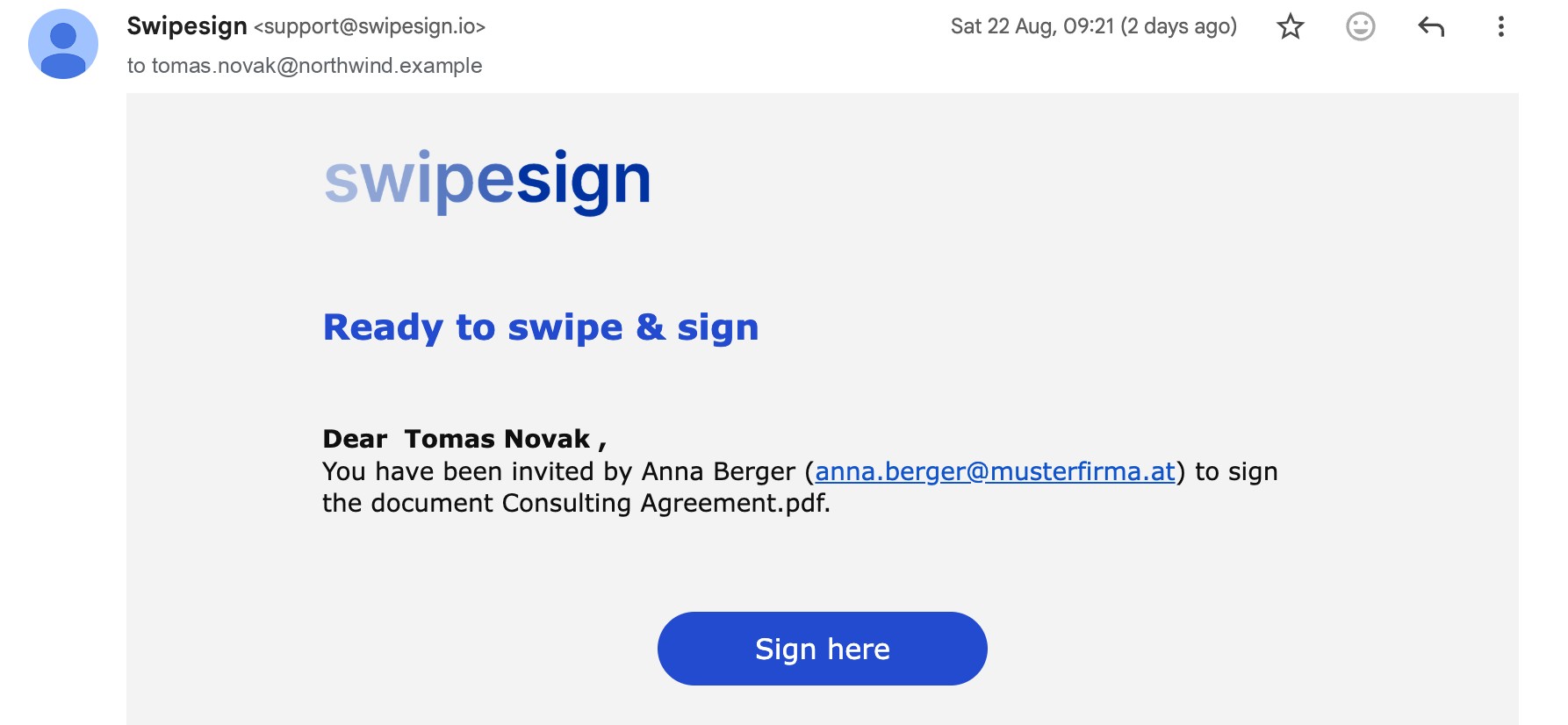
What swipesign will never ask you for
- Payment. Signing is always free for the recipient. The sender pays. A page asking you to pay to sign is not swipesign.
- An account or a password. You do not need either to sign a document sent to you.
- Your SMS code, by phone or email. The code authorises a signature in your name. We ask you to type it into the page, never to tell anyone.
- Card details, bank details or your full ID number. Identity checks happen at the trust service provider, on their own site.
Signs worth a second look
- You were not expecting anything from that person or company.
- The document is vague: no name you recognise, no reference to any actual dealing.
- It presses urgency: sign today, account closing, legal action.
- The sender name and the company do not match anything you know.
None of these prove it is fake: plenty of genuine documents arrive unexpectedly with tight deadlines. They just mean check first.
If you think it is fake
Do not click anything. Tell the person it claims to be from: if their address has been spoofed, they will want to know. And tell us, with the message itself, so we can look into it.