
Signup is short. Three screens and you are in: the rest is a checklist you work through at your own pace.
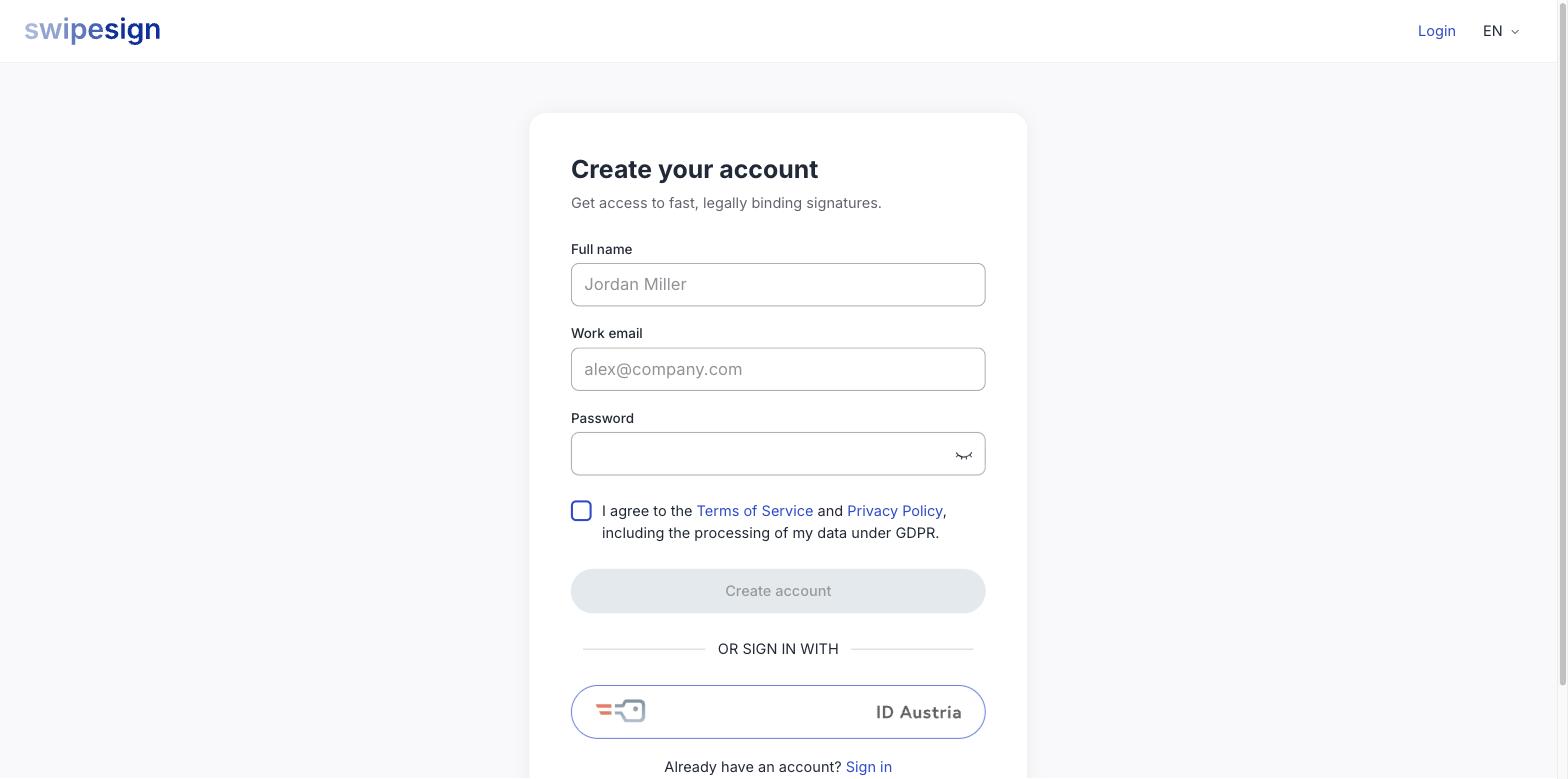
- 1Go to the registration page and enter your full name, work email and a password. Tick the terms and privacy box, then Create account.
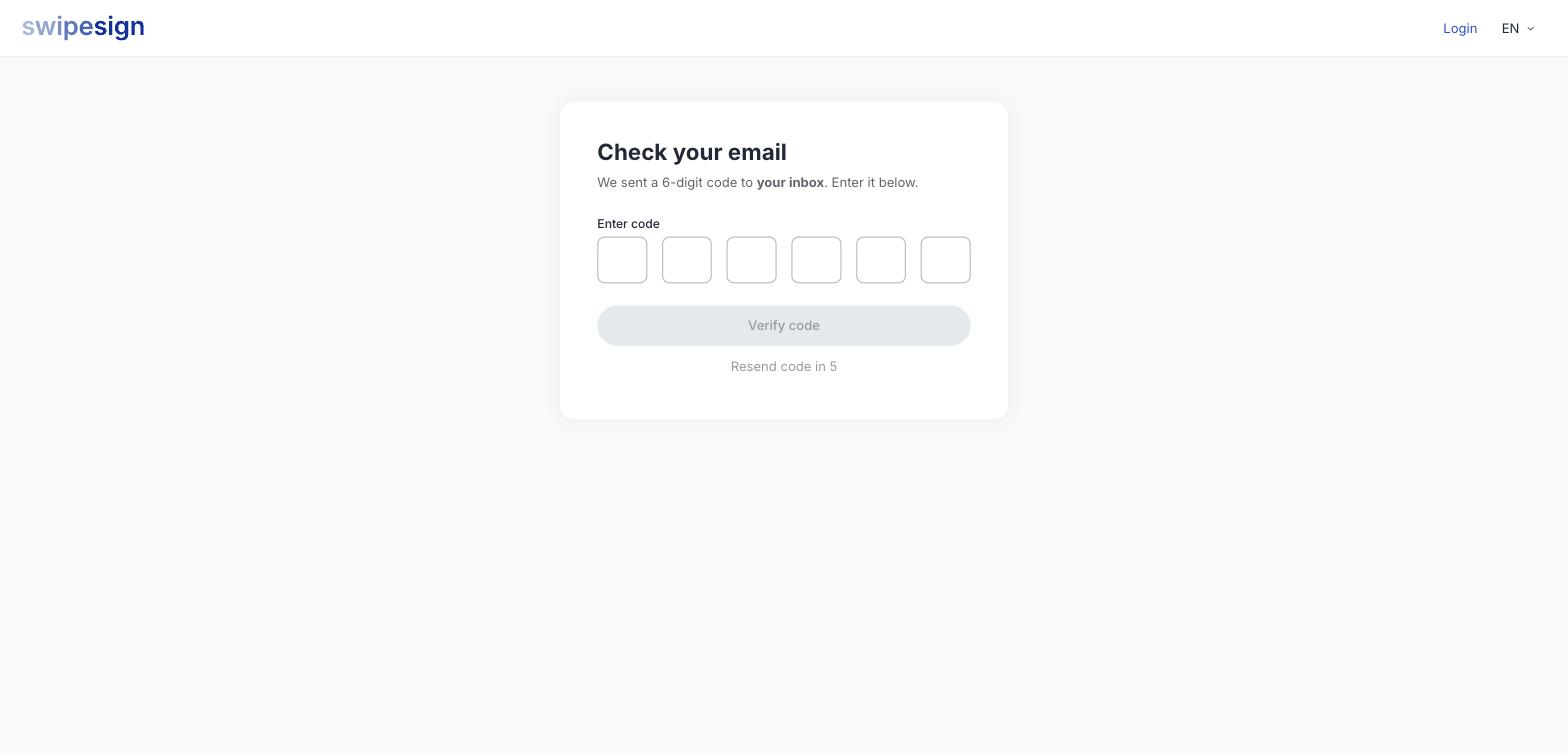
- 2Enter the 6-digit code we email you.
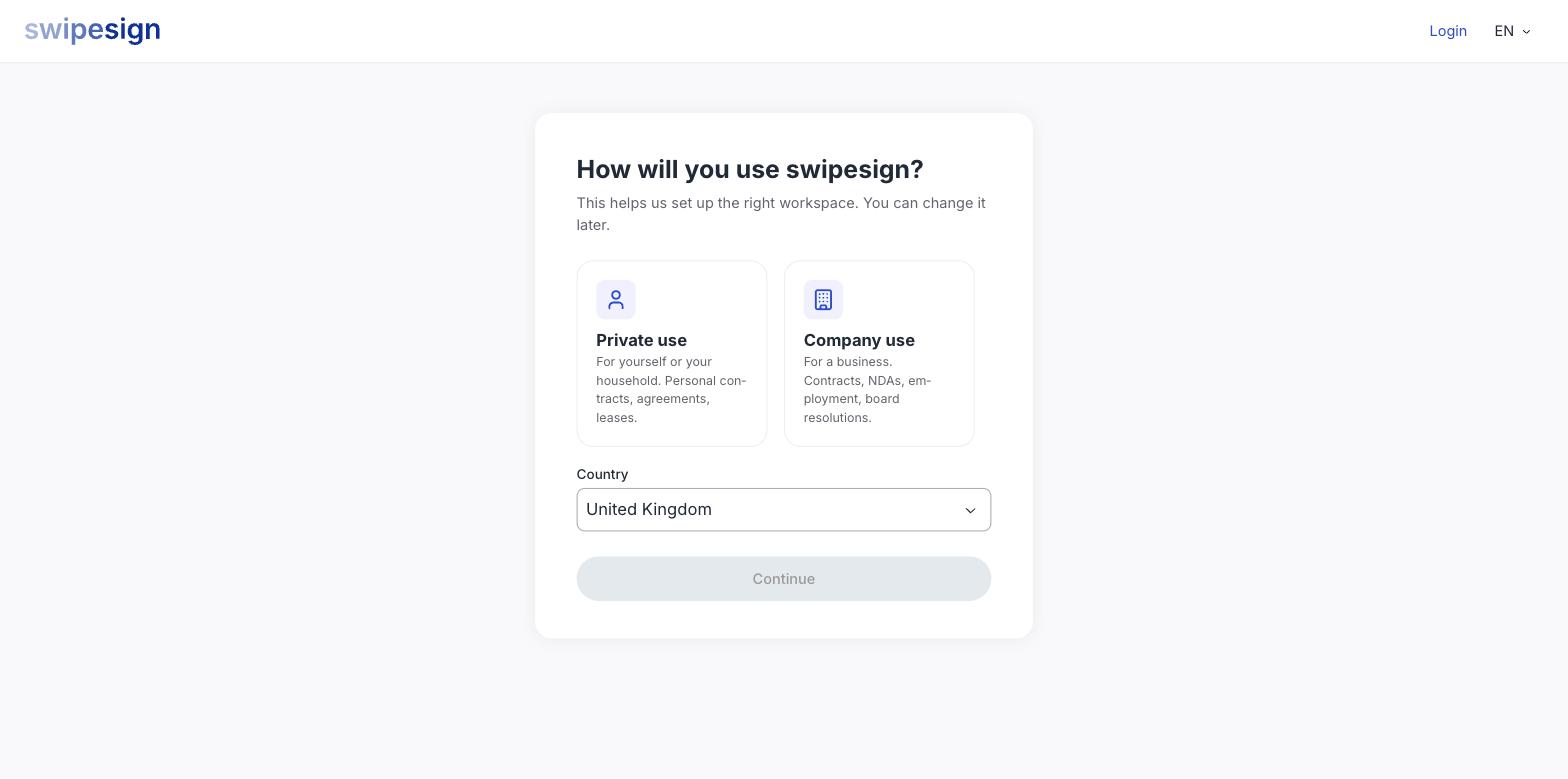
- 3Tell us how you will use swipesign, private or company, and pick your country.
- 4You land on your dashboard. That is the account created.
Then a three-step checklist
The dashboard shows what is left before you can send documents for signature: verify your phone, verify your identity, choose a plan.
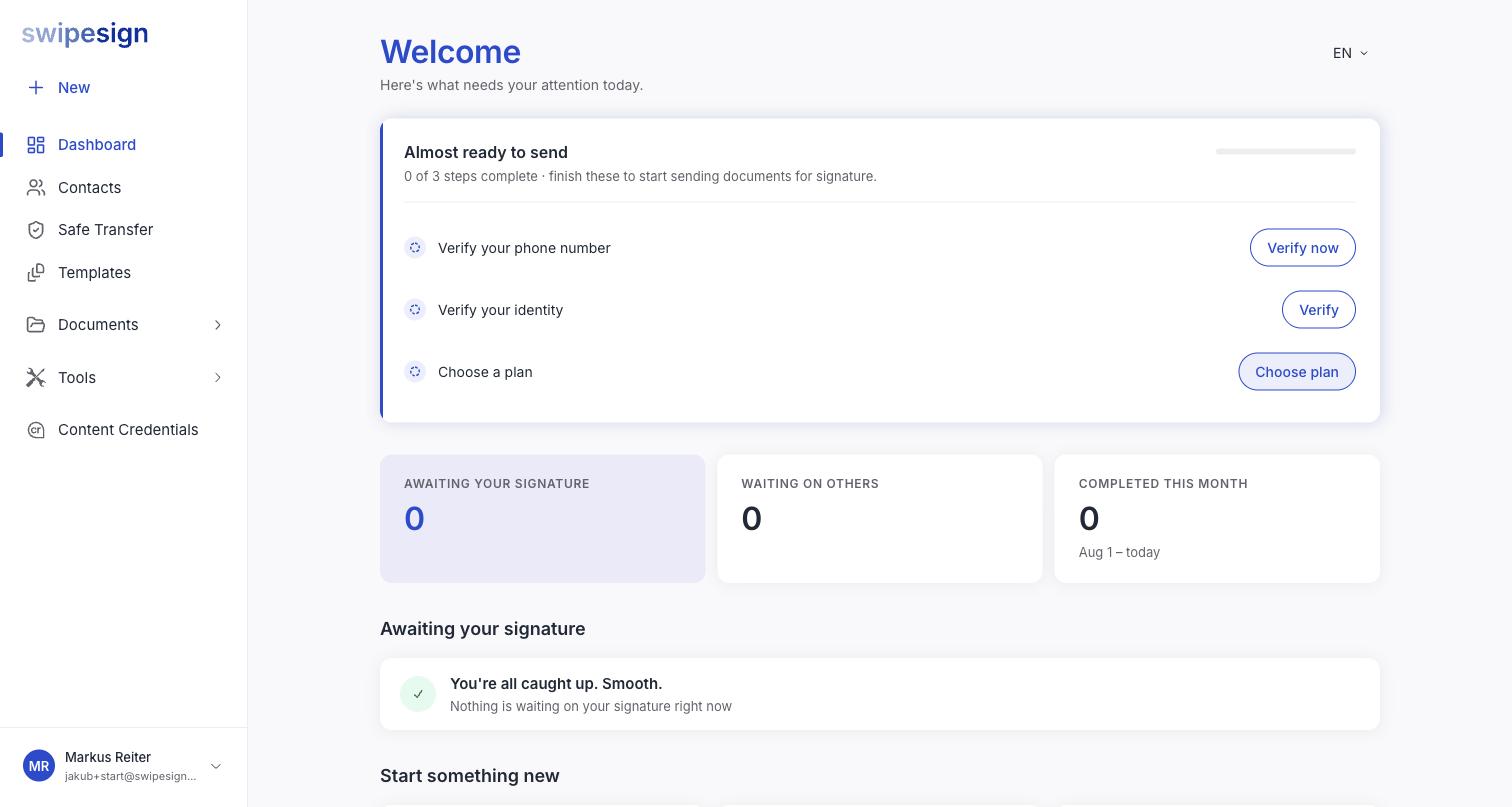
These are not forced: you can look around first, and do them in any order. See What you can do before verification is complete.
Choose the email carefully
It is how you sign in and it appears on everything you send, and it cannot be changed from inside the account afterwards. Use the address you will still be using in three years. See Why your email address cannot be changed.
You do not need an account to sign
If you only received a document from someone, stop here: signing needs no account at all. See You have been asked to sign.