
Two verifications, at different points. Email happens during signup and is compulsory. Phone is one of the three checklist steps afterwards.
Straight after you create the account, a 6-digit code arrives in your inbox. Enter it and continue.
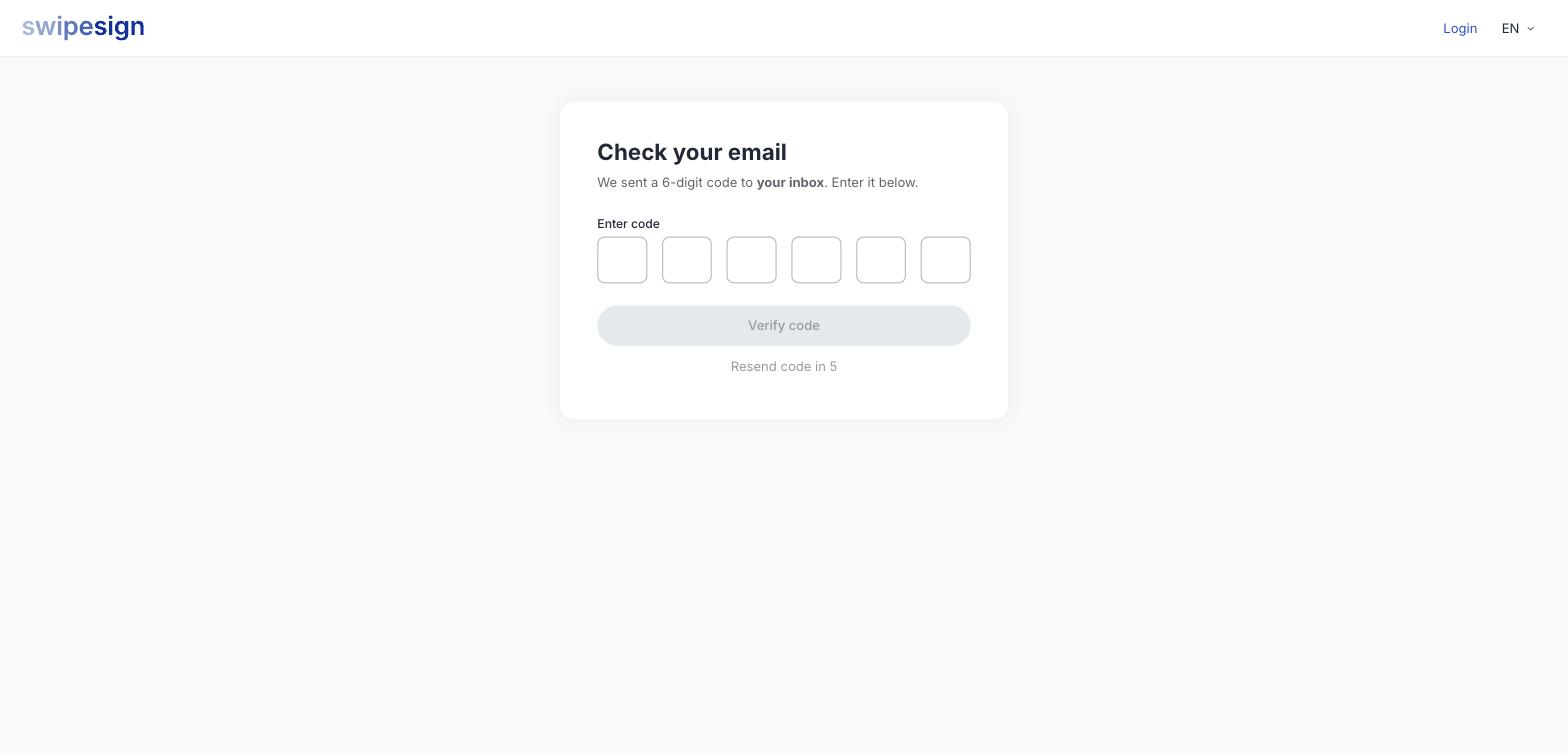
The resend link is on a short countdown. If nothing arrives, check spam before resending, a second copy lands in the same place as the first.
Phone
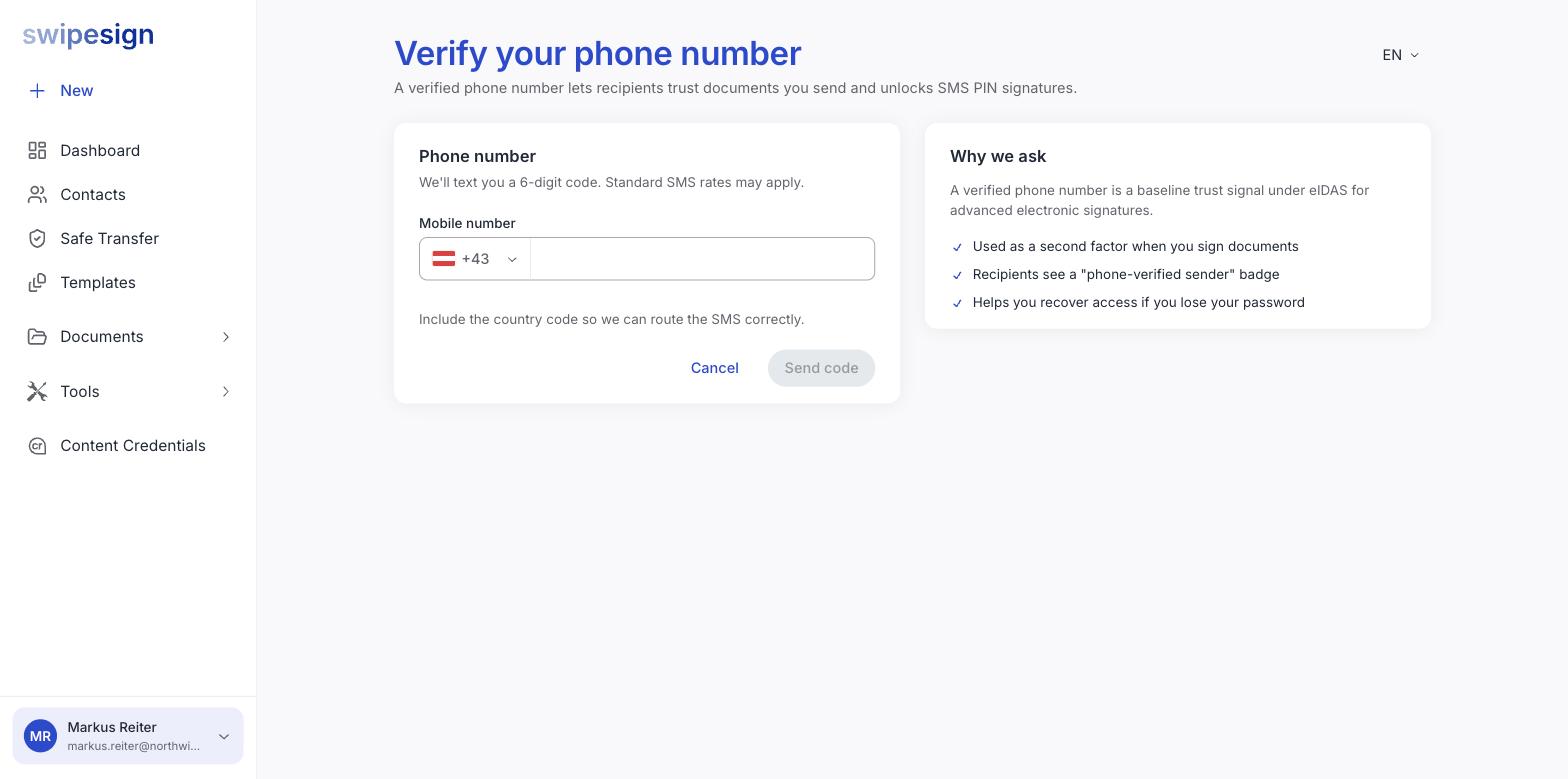
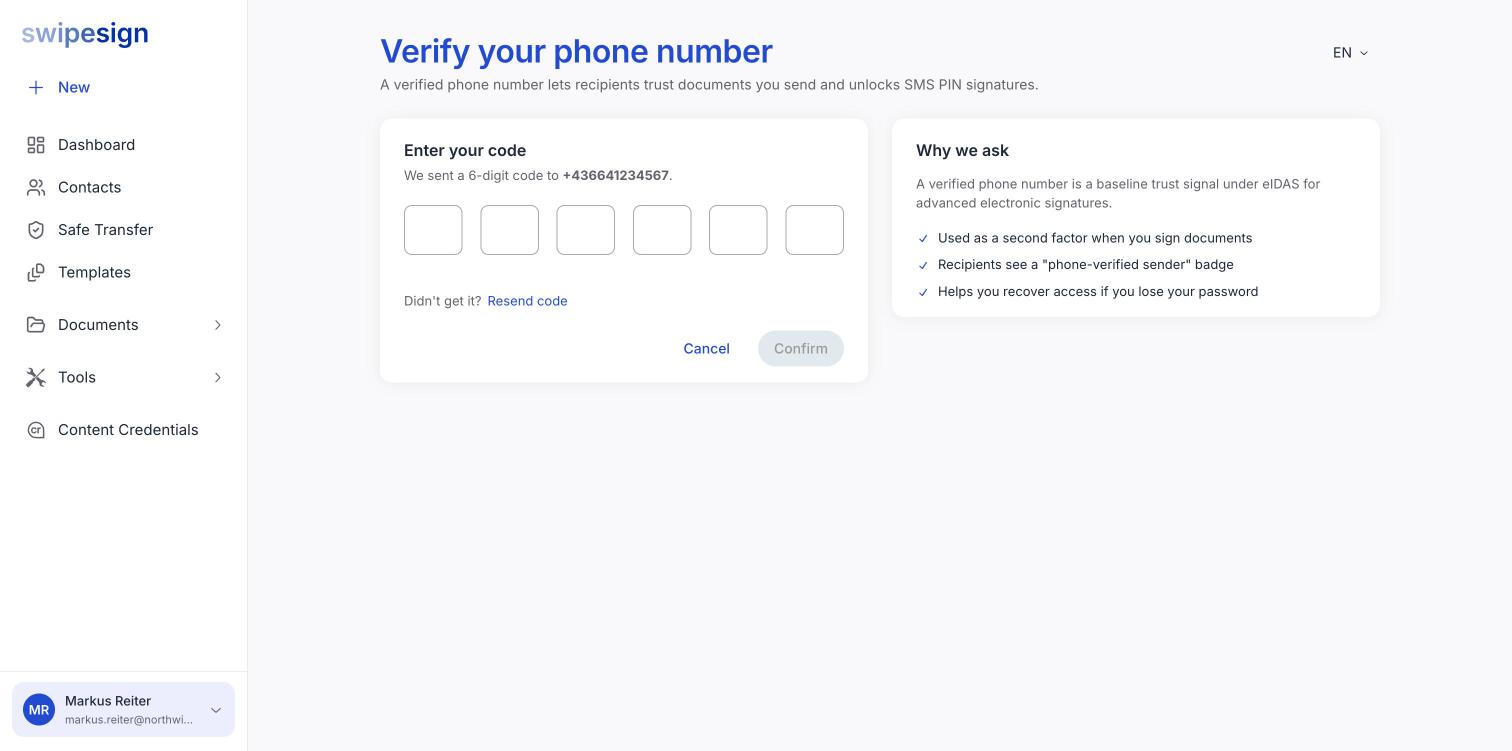
From the dashboard checklist, Verify now. Enter your mobile with its country code, and a 6-digit code is texted to you.
What the phone number actually does
The page explains it plainly: a verified phone is a baseline trust signal under eIDAS for advanced electronic signatures. Three concrete effects:
- A second factor when you sign. Advanced signatures use an SMS code as part of identifying the signer.
- A "phone-verified sender" mark that your recipients can see.
- A route back in if you lose your password.
Include the country code
The form says so, and it matters: the SMS is routed on it. A number entered without one may simply never arrive.
If a code does not come
- Give it a minute: delivery is usually instant but not always.
- Check the number on screen against your phone. A typo is the usual answer.
- Look in blocked or filtered messages.
- Use Resend code.
- Standard SMS rates apply, and some prepaid or corporate numbers block short-code messages entirely.
Changing these later
Your phone number can be updated from your profile, and changing it requires SMS verification again. Your email cannot: see Update your name and phone number.