
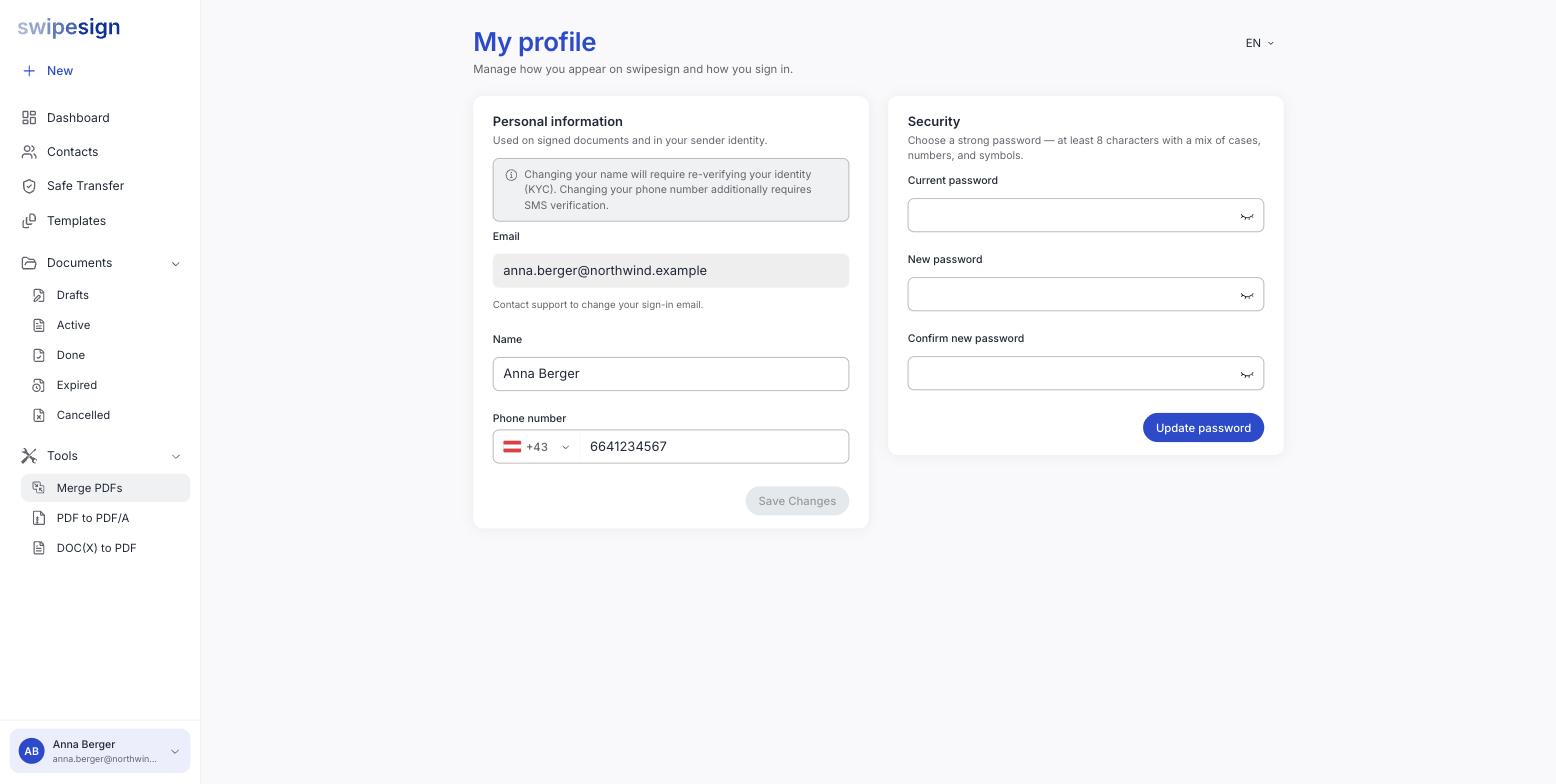
Click your name at the bottom of the sidebar, then My profile. Personal information is on the left, password on the right.
What these details are used for
The page says it at the top: used on signed documents and in your sender identity. Your name appears on every signature you make and on every invitation your recipients receive. This is not a display preference.
Changing your name has consequences
So fix a typo early, and expect the verification step if you change your name for real: after marriage, for instance. See What identity verification is and why it is required.
Changing your phone number
Also allowed, and it additionally requires SMS verification, a code to the new number, to prove it is yours before it replaces the old one.
Keep it current. Your phone is how Advanced signatures identify you, and how PIN-protected documents reach you. A stale number means codes going to a phone you no longer have.
Your email
Greyed out, with a note to contact support. That one is deliberate: see Why your email address cannot be changed.