
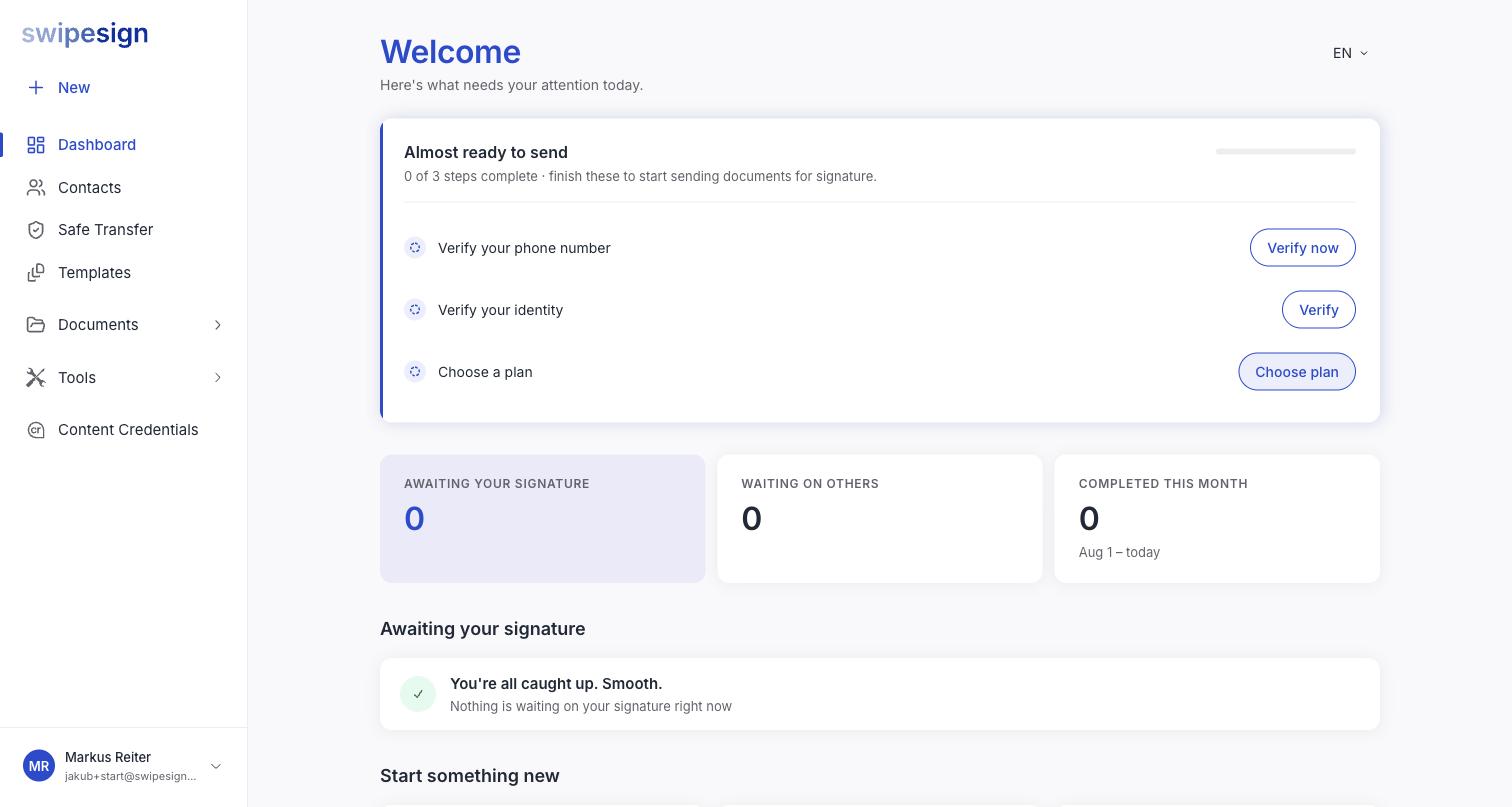
A new account lands on the dashboard with three things outstanding: verify your phone, verify your identity, choose a plan.
Nothing forces you through them in order, and you can look around first.
What works straight away
- Signing documents other people send you. Entirely unaffected: that never needed an account in the first place.
- The PDF tools. Merge, PDF/A and Word conversion all work.
- Building a draft. Upload a document, add signers, place fields. It saves and waits.
- Saving contacts, and looking around.
What needs the checklist finished
The panel says it: finish these to start sending documents for signature. Sending is the thing that is gated, and each step is gating it for a different reason.
| Step | Why sending needs it |
|---|---|
| Verify your phone | It is a second factor when you sign and a trust signal on advanced signatures |
| Verify your identity | eIDAS requires it before a signing certificate can be issued in your name |
| Choose a plan | Signatures come out of a plan allowance |
Build while you wait
If identity verification is going to take ten minutes, set up your first document first. It sits in Drafts and is ready to send the moment the checklist clears.
Do the identity check before you need it
It is the longest of the three and the one that involves someone else, a provider, possibly a video call. Leaving it until a contract is waiting is how a same-day signature becomes a tomorrow signature.