
Before you can send documents for signature, swipesign needs to know who you are. From the dashboard checklist, Verify.
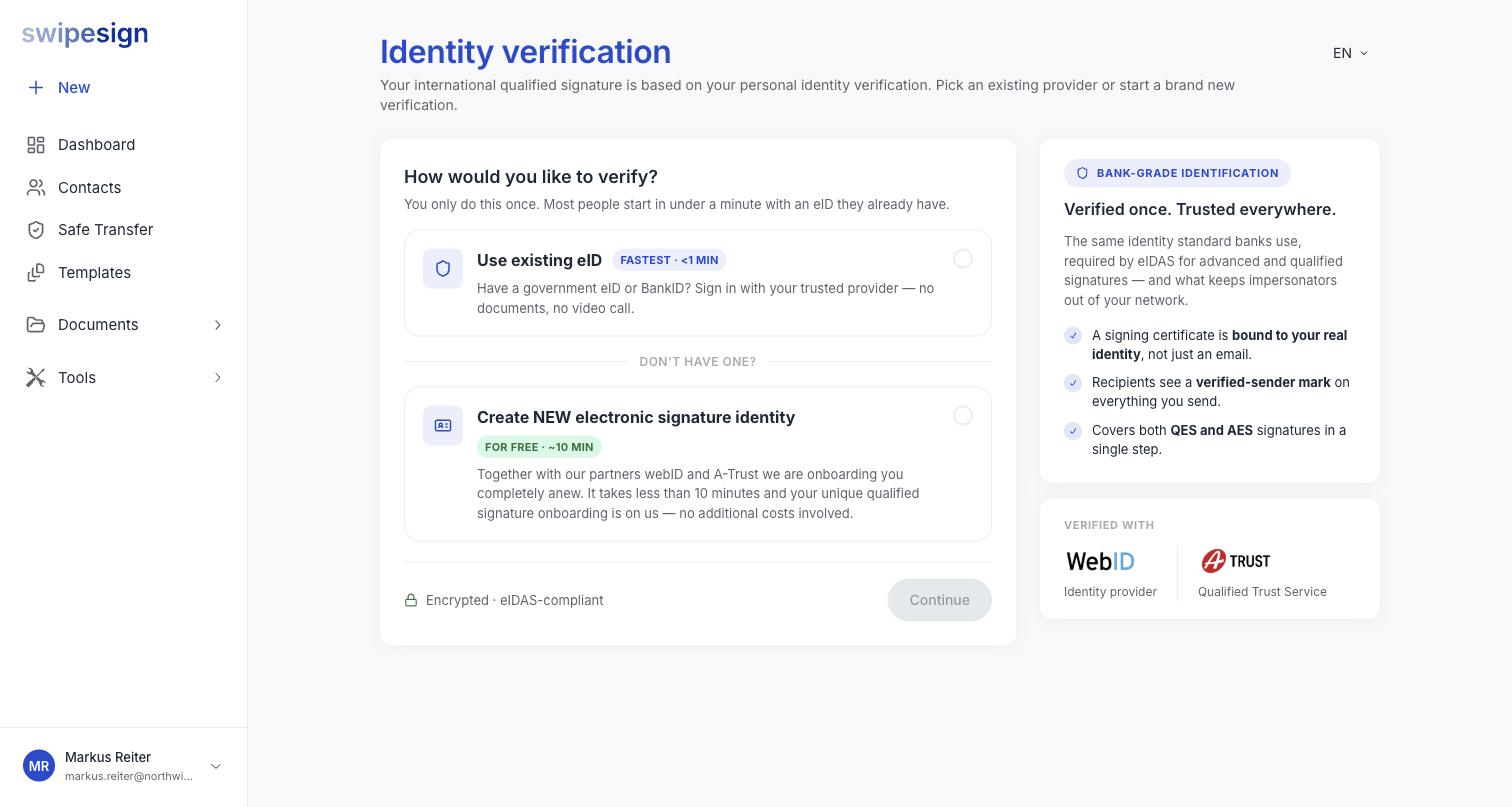
You only do this once. It covers both QES and AES signatures in a single step, and it never has to be repeated per document.
Two routes
| Use existing eID | Create a new signature identity | |
|---|---|---|
| Time | Under a minute | About ten minutes |
| You need | A government eID or BankID you already hold | A passport or ID card, a phone, and a decent connection |
| Involves | Signing in with your provider: no documents, no video call | Onboarding with WebID and A-Trust |
| Cost | Free | Free: the onboarding is covered |
Take the first if you can. Most people already hold something that works, and it is the difference between a minute and ten.
What it gets you
- A signing certificate bound to your real identity, not just to an email address.
- A verified-sender mark on everything you send.
- The ability to send at either signature level.
It is the same identity standard banks use, and eIDAS requires it before a qualified certificate can be issued. See What identity verification is and why it is required.
swipesign never sees your ID document
The check runs at the provider: WebID as identity provider, A-Trust as qualified trust service. They confirm the result and your verified name; images of your passport stay with them. See What swipesign can and cannot see of your ID.
Verify under the name on your ID
The name on your certificate has to match the document you verify with. Changing your name afterwards triggers a fresh verification, so get it right the first time.