
Every person you add to a workflow gets a role, and the role decides what their link does when they open it. Getting this wrong is the most common cause of a workflow that stalls, or of somebody signing who was only meant to read.
The four roles at a glance
| Role | Signs? | Blocks the workflow? | Costs you |
|---|---|---|---|
| Signer | Yes | Yes: it waits for them | One signature |
| Viewer | No | No | Nothing |
| Reviewer | No | Yes: before signing starts | Nothing |
| Company | Through the people it names | Yes | One per person who signs |
Signer
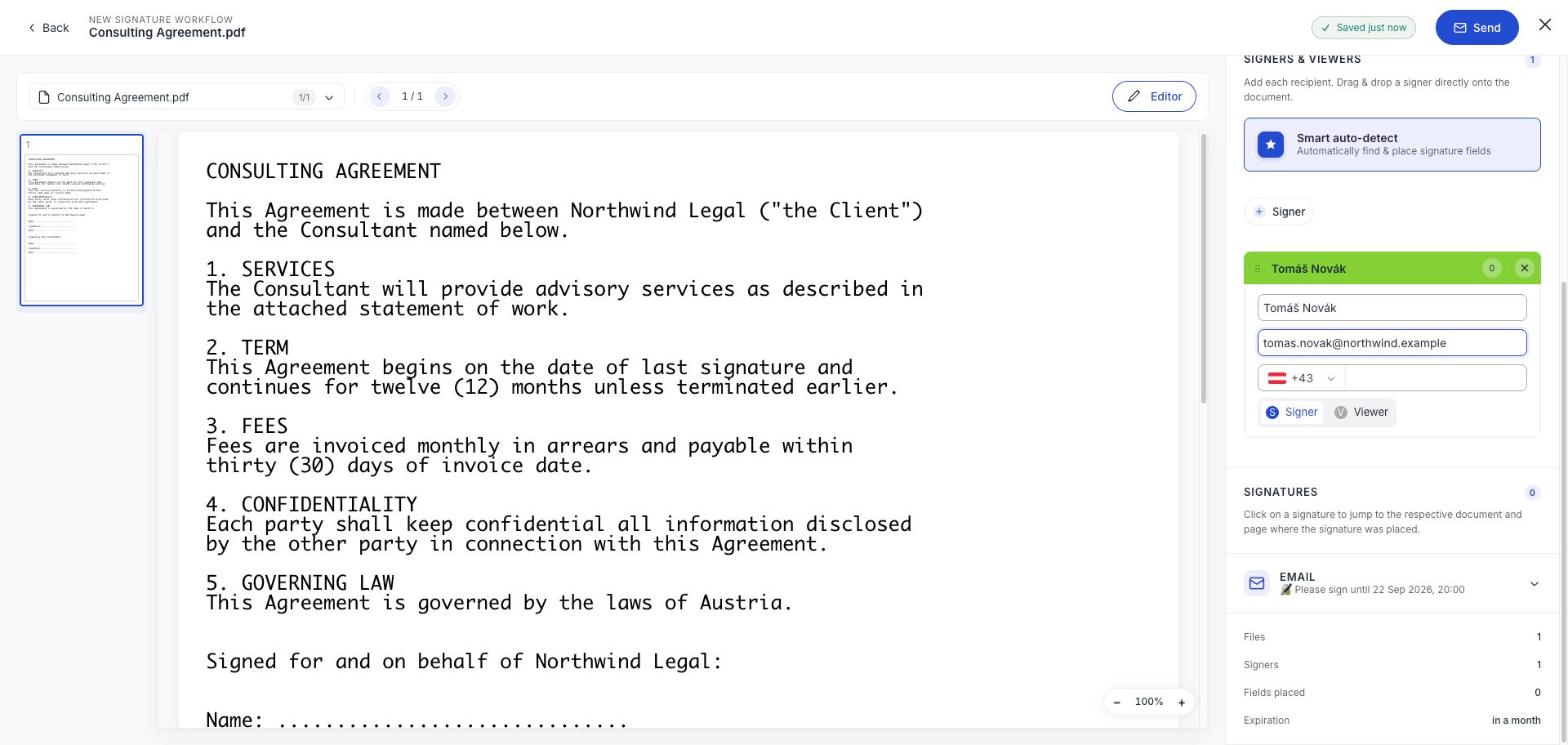
The default, and the only role that produces a signature. They read the document, swipe to confirm, and prove who they are. The workflow is not finished until every signer is done.
Add yourself as a signer if you need to sign your own document: you then sign from inside the app rather than through an emailed link.
Viewer
Gets their own link and can read the document, but has nothing to sign and nothing to approve. Nobody waits for them.
This is the role people reach for last and should reach for first. It is the right answer for the accountant who needs a copy, the colleague who wants to see the final terms, and the second contact at the client who is not the one signing. It costs nothing.
Reviewer
Approves or rejects the document before any signing starts. Reviewers are the internal gate: legal reading a contract, finance checking the figures.
The two decisions are not symmetrical, and this catches people out:
- Every reviewer has to approve before signers are invited at all.
- Any one rejection cancels the entire workflow, immediately, for everybody.
Company
A recipient that is an organisation rather than a person. Whoever opens its link names up to three people to sign on the company's behalf, and each of them then gets their own invitation.
Use it when you are contracting with a business and do not know who has authority to bind it, which is most of the time. The company decides, and both halves of that decision land in the audit trail. See Have a company sign.
Choosing between them
Can I change someone's role after sending?
No. Roles are fixed once the workflow is out, and so is the person: there is no way to hand a signature to somebody else. If you addressed the wrong person, cancel and send again.
Do viewers and reviewers use up my allowance?
Neither does. Only signatures count, so adding a reviewer to check your work before it goes out is free.
Does a viewer see who signed?
They can open the document. Once everything is complete, everyone involved receives the finished file and its audit trail.