
Open the document from Documents and look at the Assigned to section. Each recipient shows their status and a Resend link.
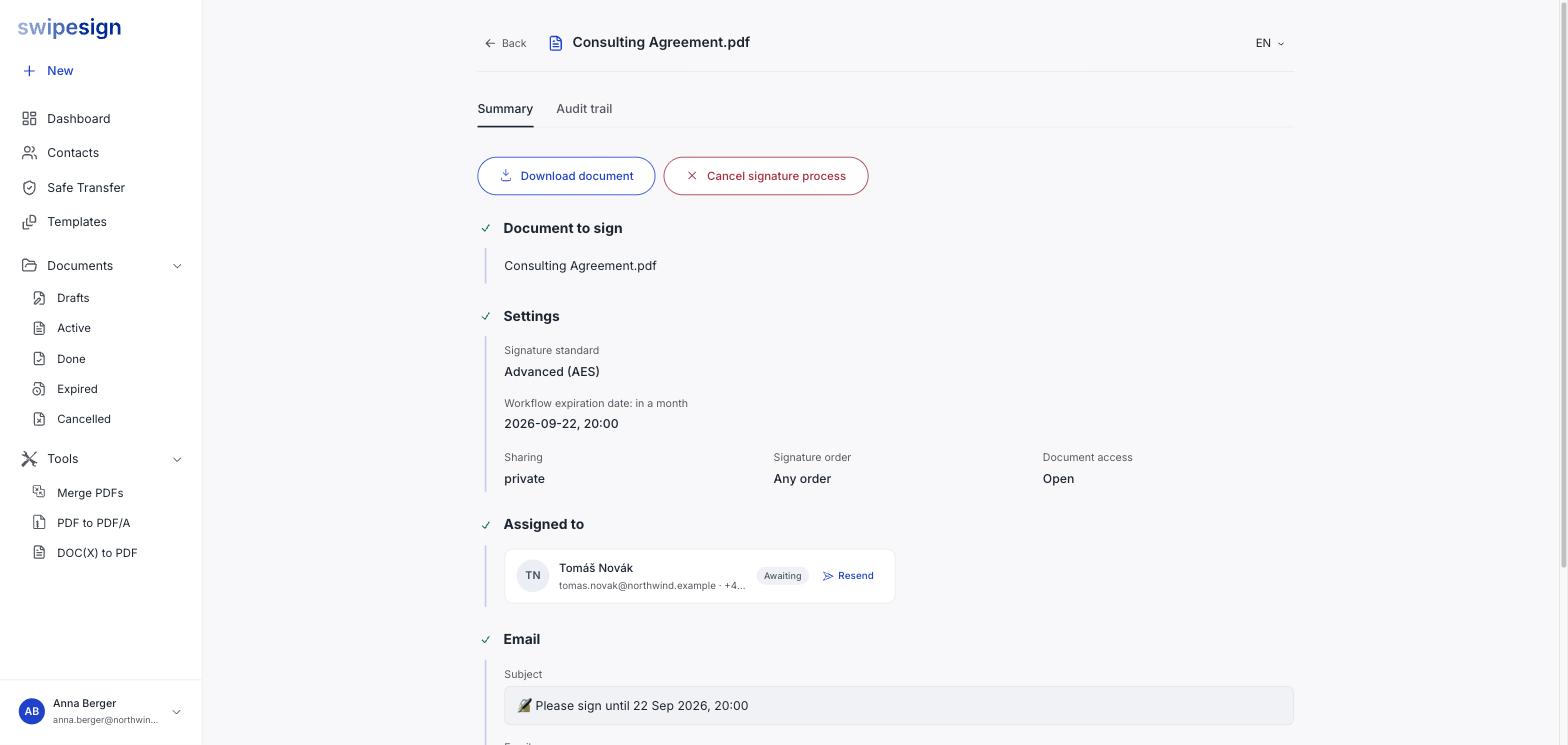
Clicking Resend sends the invitation email again, to the same address, with the same link. Nothing about the document changes.
One reminder every four hours, per person
Send a second one sooner and it is refused. The throttle is per signer, so you can still nudge someone else straight away, and it means a stuck reminder is never you having sent too many.
Check the audit trail first
Before chasing someone, look at what actually happened. The Audit trail tab records every view, so you can tell the difference between two very different situations:
| Trail shows | Means | Do |
|---|---|---|
| No views at all | They never opened it. Possibly never received it. | Resend, then check the address and ask them to look in spam |
| Opened, not signed | They have it and have not got round to it, or something stopped them | Ask them directly rather than resending, a second identical email rarely helps |
A resent email looks the same as the first
There is no "reminder" wording: the recipient gets the same invitation again. If it has been sitting a while, a short message from you personally usually does more than another automated email.
If the address is wrong
Resending will not help: it goes to the same address. And a sent workflow cannot be edited, so there is no way to correct it in place. Cancel and rebuild with the right address. See Cancel a signature workflow.
Watch the expiry
Reminders do not extend the deadline. If the workflow expires the links die and everyone starts again, so if a signer needs longer than the expiry allows, cancel and reissue with a later date rather than reminding them repeatedly.
The dashboard flags documents that have gone quiet on their own: see What "Needs attention" is telling you.