
Once a workflow is sent it cannot be edited: only cancelled. Open the document from Documents and click Cancel signature process at the top.
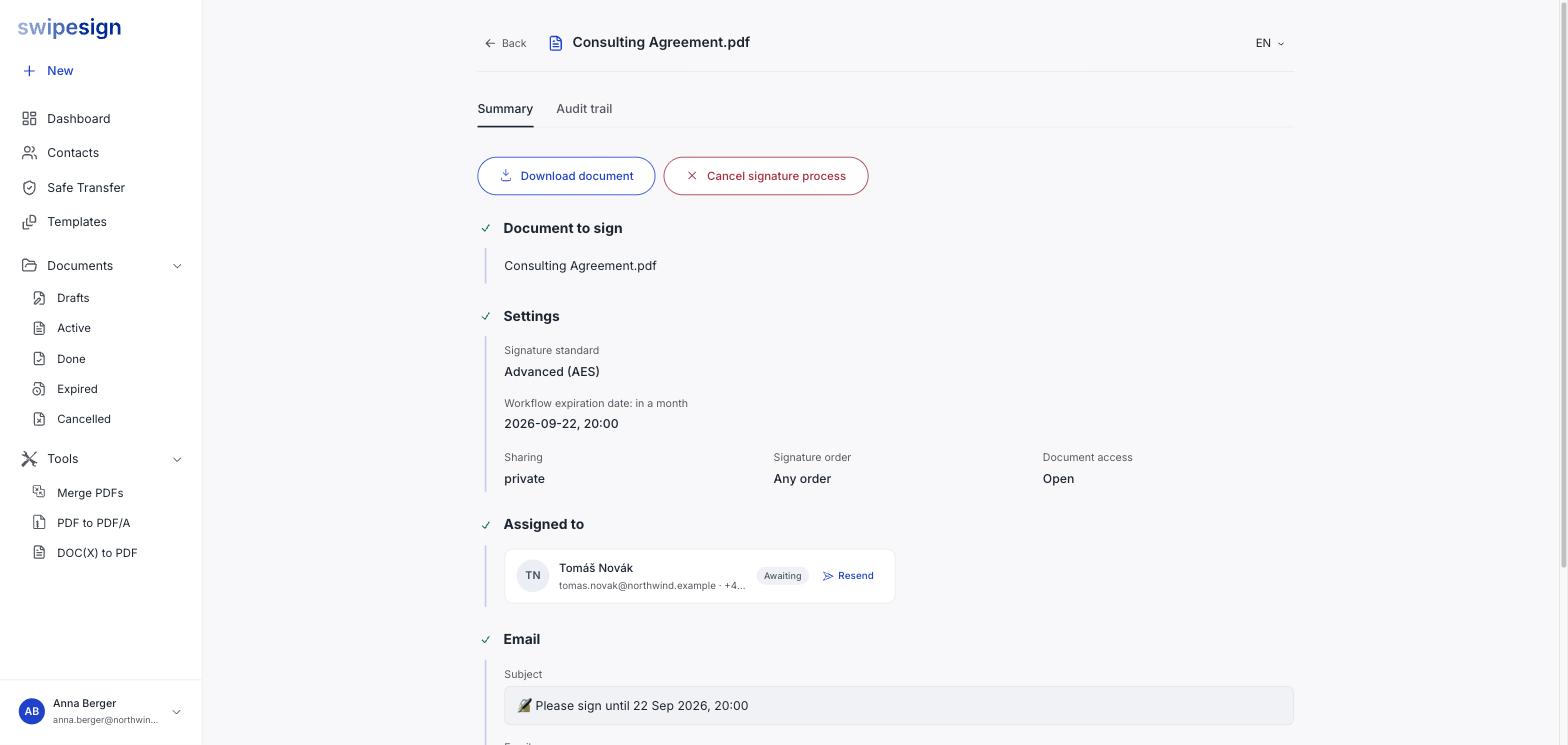
You get a confirmation first, naming the document.
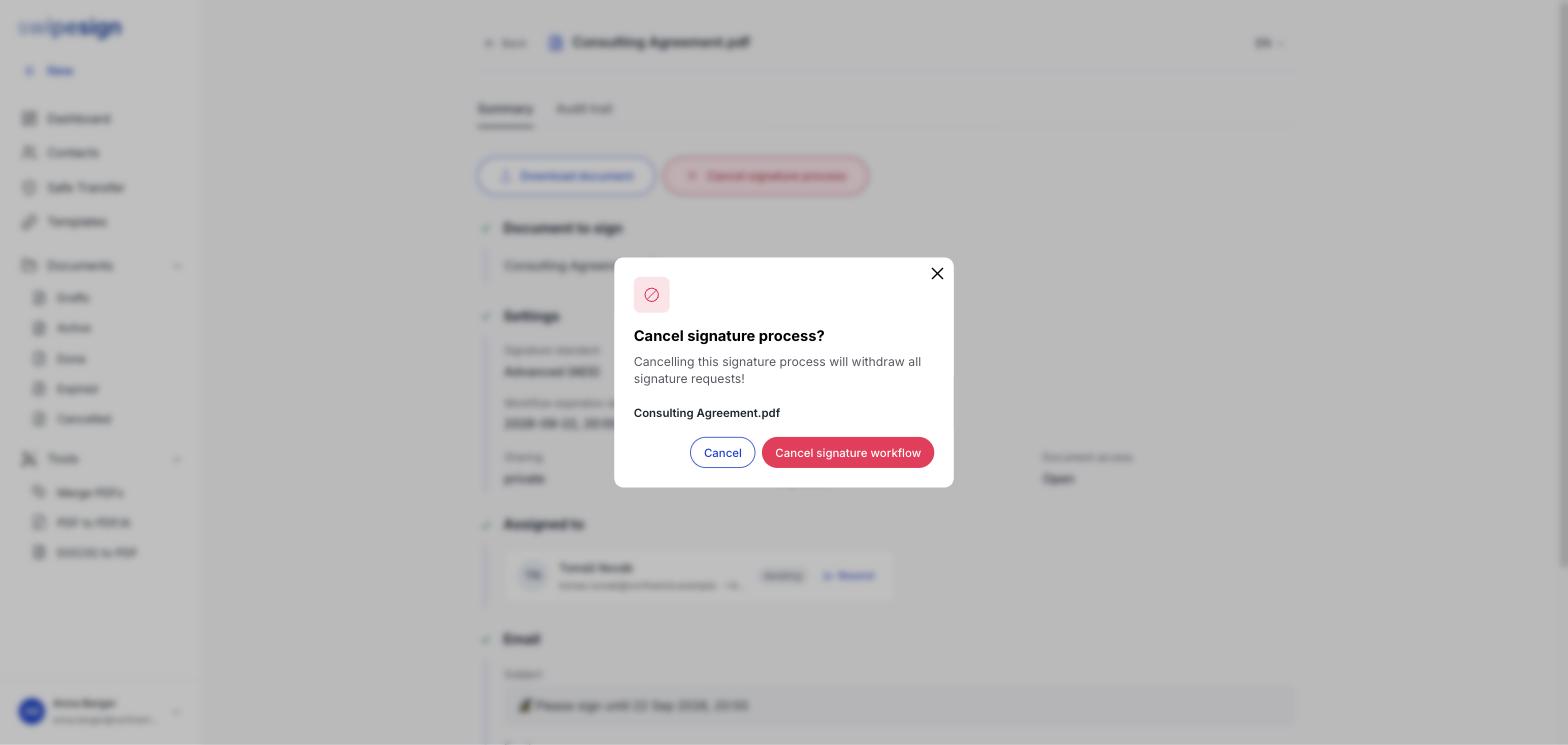
Confirm and every outstanding signature request is withdrawn. The links stop working and the workflow moves to Cancelled.
When to cancel
- You sent the wrong version of the document.
- You sent it to the wrong person.
- The terms changed and the document needs rewriting.
- The deal is off.
Since a sent workflow is fixed, cancelling and rebuilding is the only route for any change to the document, the signers, or the signature standard.
What it does not do
It also cannot un-send the invitation emails. Anyone who already opened and read the document has read it. If the content was the problem, assume they saw it.
Starting again
A cancelled workflow is closed for good: you cannot reopen it. Build a fresh one, and tell your signers, because the link in their inbox will simply stop working without explanation.