
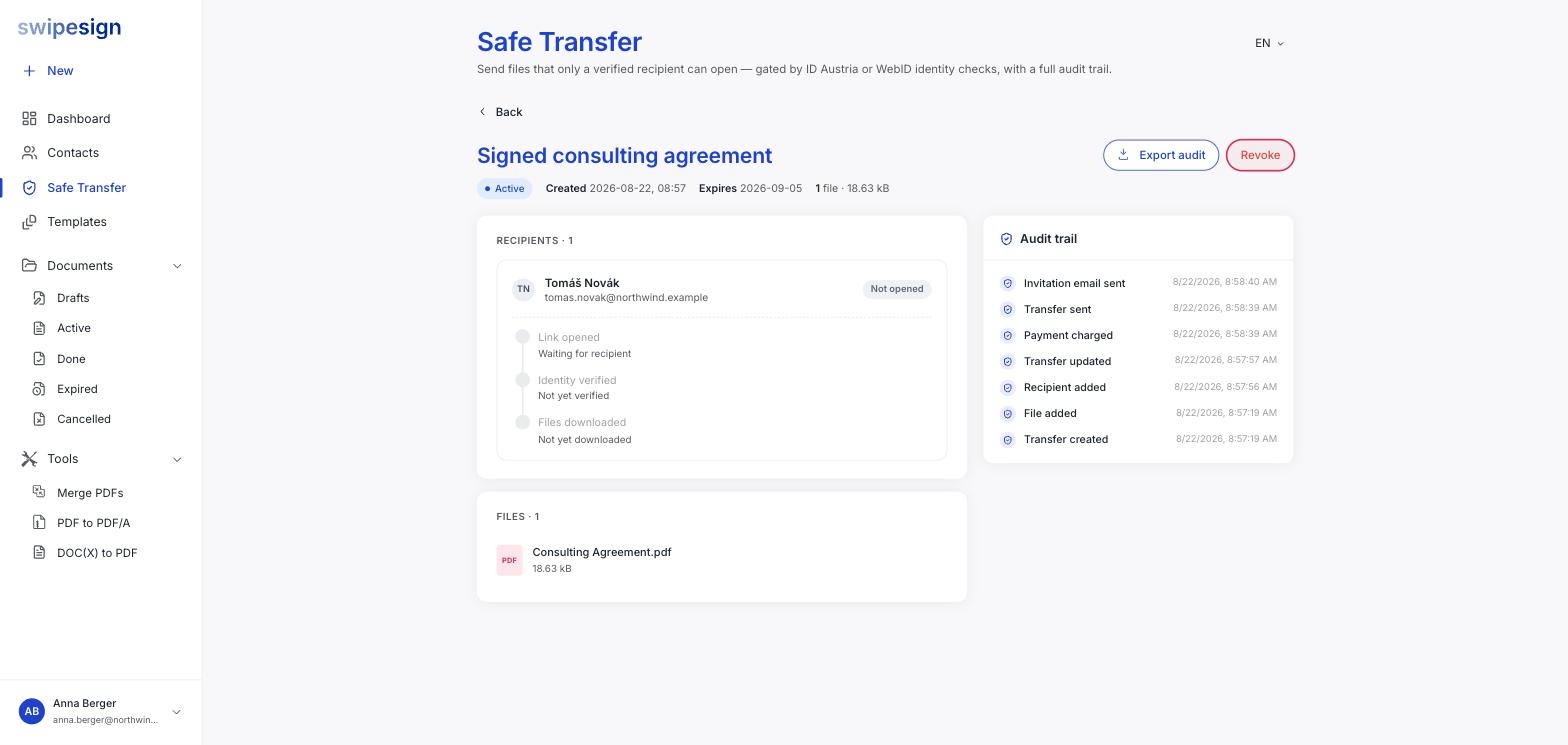
Open the transfer and click Revoke at the top right. The link stops working immediately and the transfer moves to Revoked.
When to use it
- You sent it to the wrong person.
- You sent the wrong file.
- Circumstances changed and they should no longer have it.
- Everyone who needed the files has them, and you would rather the link stopped existing.
That last one is worth doing as a habit on anything sensitive with a long expiry. Revoking is free and takes a second.
What it does not do
It cannot un-download a file
Revoking closes the link. Anyone who already verified and downloaded still has the file on their machine, and nothing can reach in and remove it. Check the recipient progress before assuming a revoke contained the problem.
The transfer has already been used: it counts the moment you send. See What Safe Transfer costs.
What the recipient sees
A message saying the transfer is no longer available. They are not told why, and they cannot tell whether it expired, was consumed or was revoked, so if they still need the files, send a fresh transfer rather than expecting them to ask.
The audit trail survives
Revoking closes access, not the record. Everything that happened before it, who verified, who downloaded, when, stays in the trail and can still be exported.