
Four things stop a Safe Transfer. Three of them the sender has to fix.
Your code stopped working
Ten wrong attempts locks the code. Use the "I lost my code: verify again" link on the entry screen: it runs the identity check again and issues a new code. You do not need the sender for this one.
Before retyping, remember the code is not case-sensitive and dashes are optional. See Using your access code.
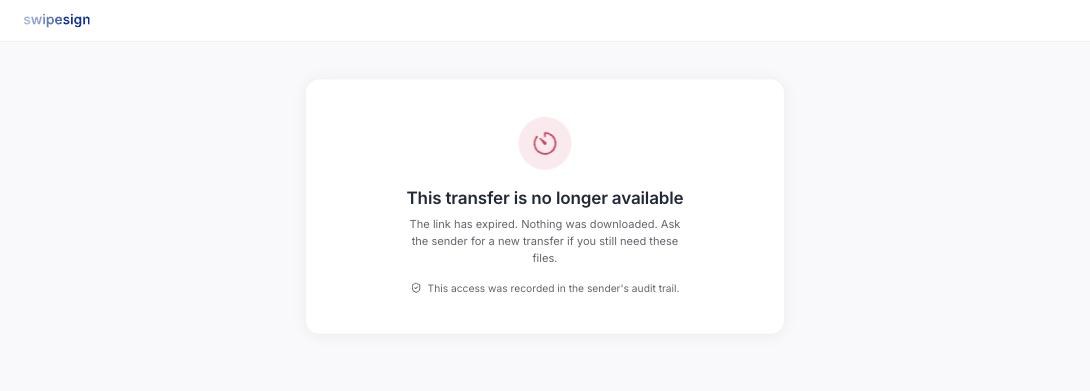
The transfer has expired
The expiry date passed. Nothing was downloaded and nothing is recoverable from your side: the link is closed.
Ask the sender for a new transfer. They still have the files; sending again takes a minute.
Already downloaded
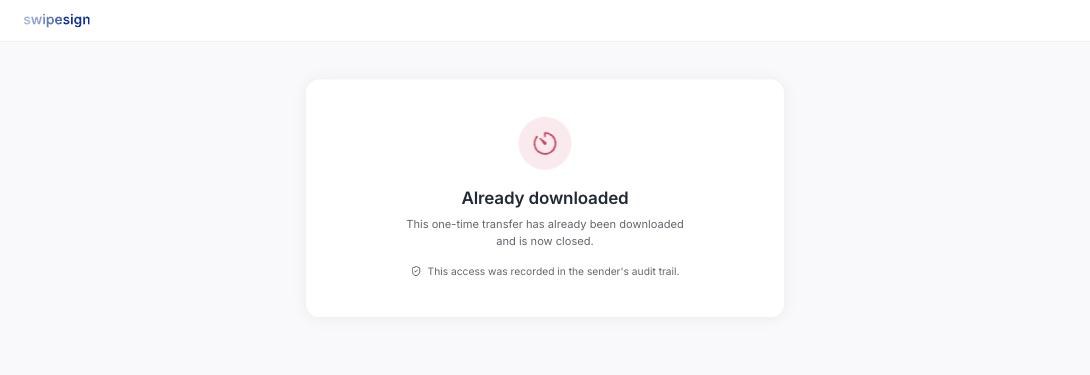
A one-time transfer that has been used. The link closed itself after the first successful download, which is what one-time means.
Check your Downloads folder first: often the file is already there and the "problem" is that you came back for a second copy. If it genuinely did not save, ask the sender to resend. See One-time links and expiry dates.
Verification will not pass
The check matches against the name the sender entered for you. If they mistyped it, or used a shortened version that does not match your ID, the check can fail however carefully you do it.
Tell them what name is on your ID and ask them to correct it and resend. The provider holds the detail of why a check failed: swipesign only knows that it did.