
The sender decides how long the files stay reachable. Two settings control it, and either can close the link.
Expiry date
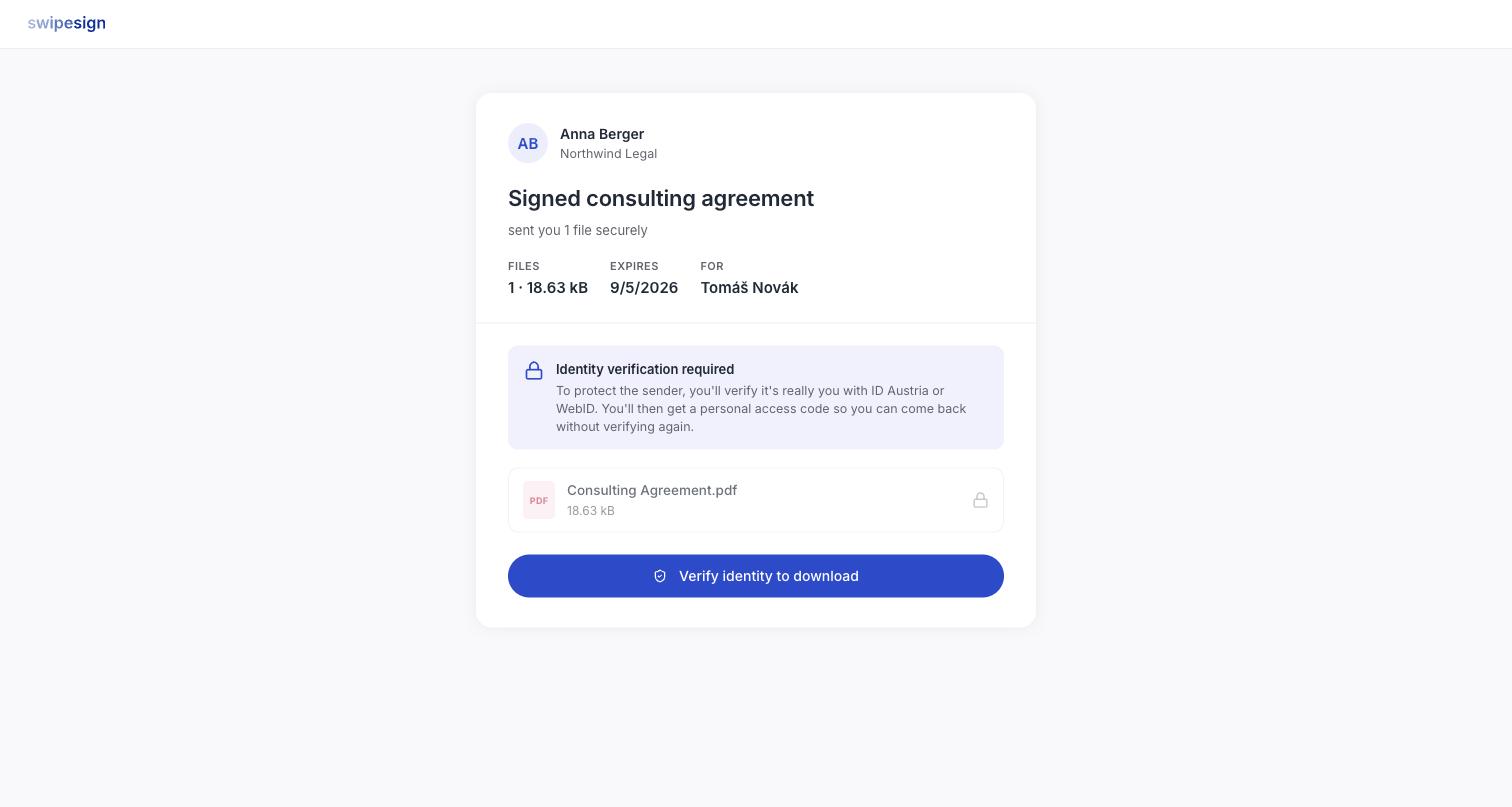
Every transfer has one, shown on the landing page under EXPIRES. Once it passes the link stops working: usually 7, 14 or 30 days from when it was sent, though the sender can set it never to expire.
One-time access
The sender can also close the link automatically after the first successful download. If they have, you get one go at keeping the files.
Download somewhere you can keep them
On a one-time transfer, downloading to a machine you are about to hand back, a phone with no space, or a browser that puts files somewhere you cannot find means starting a conversation with the sender. Make sure you know where the file is going first.
If a transfer is one-time, the download screen tells you so before you commit.
Practical advice
- Download when you open it, not later. The commonest problem is an expired link that was opened on day one and left.
- Take everything at once if there are several files.
- Move them somewhere durable: your own storage, not the Downloads folder.
Expired is not deleted-forever
An expired or consumed link is closed, but the sender still has the files at their end. If you genuinely need them again, ask, a new transfer takes them a minute. See Locked code, expired link, or already downloaded.